If anyone interested, I put a quick fork out that might solve the multi-stream issue.
When Pluto TV introduced mandatory account login, all the existing solutions (jgomez177, nuken, maddox) authenticate correctly — but they all share a single hardcoded clientID. Pluto TV uses this to identify your "device", and enforces one active stream per device. So every time you tune a second channel, it kills the first one.
The Fix
Instead of one clientID, the app now maintains a pool of virtual device sessions (default: 10). Each session has its own randomly-generated clientID and its own auth token. When you tune a channel, it grabs the next slot from the pool — so each concurrent stream looks like a completely separate device to Pluto TV.
In practice: 10 simultaneous streams, no more dropped connections.
Installation
Docker:
docker run -d --restart unless-stopped \
  -p 7777:7777 \
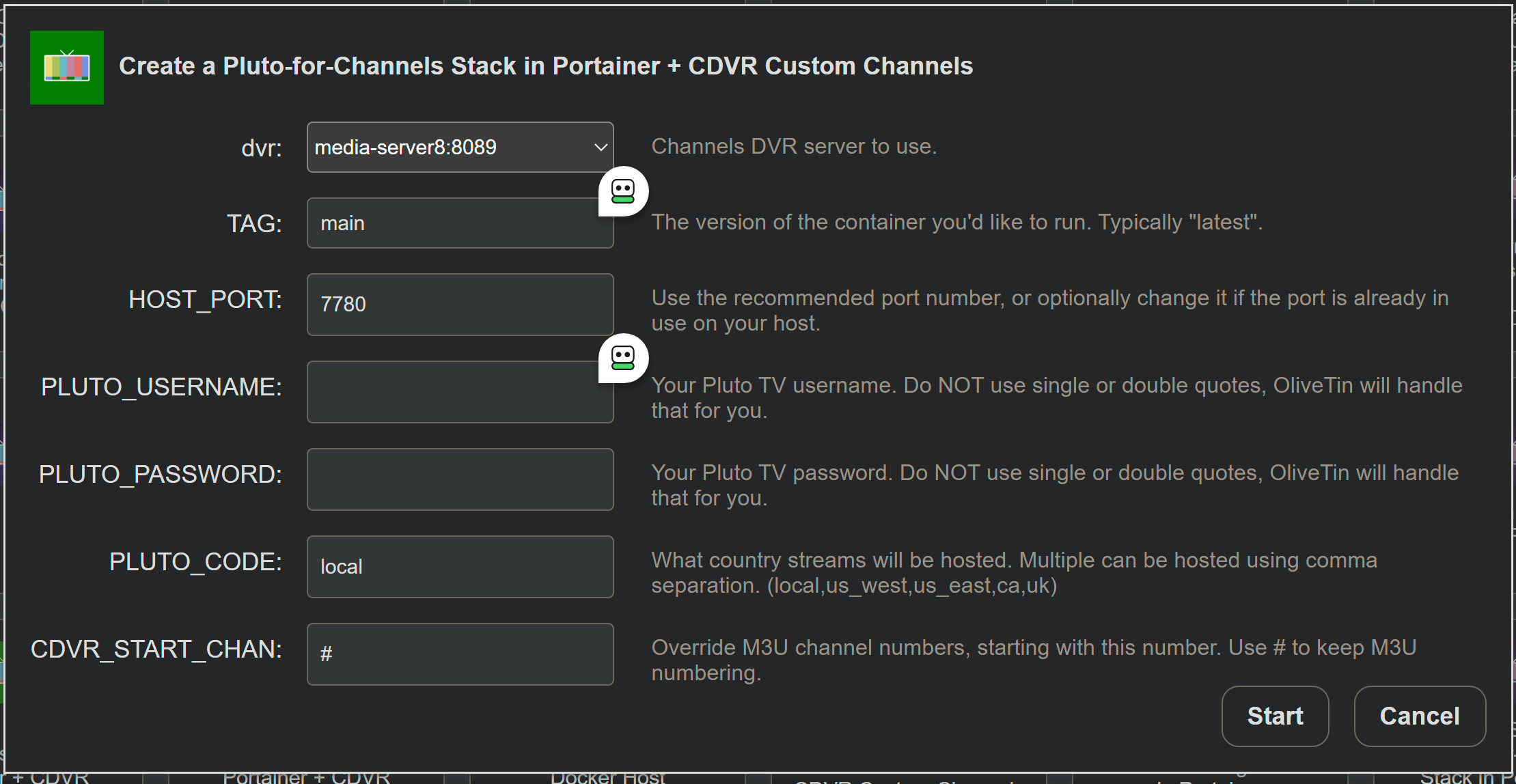
  -e PLUTO_USERNAME='[email protected]' \
  -e PLUTO_PASSWORD='yourpassword' \
  --name pluto-for-channels \
  kineticman/pluto-for-channels:main
docker-compose:
yaml
services:
  pluto-for-channels:
    image: kineticman/pluto-for-channels:main
    container_name: pluto-for-channels
    restart: unless-stopped
    ports:
      - "7777:7777"
    environment:
      PLUTO_USERNAME: [email protected]
      PLUTO_PASSWORD: yourpassword
      PLUTO_CODE: local,us_east,us_west,ca,uk,fr,de
Then hit http://your-ip:7777 for the status page with your M3U and EPG links.
Tuning Concurrent Streams
Default is 10 simultaneous streams. If you need more or less, change one line in pluto.py and rebuild:
python
STREAM_POOL_SIZE = 10