
Well...there you go 
I am having problems with FIOS again. I deleted and then tried to re-add the account to channels.
I get the error " Cable provider authentication failed".
I can log into FIOS online using my credentials using my browser, but when I try to add them into Channels I get this error message.
What can I do?
When I try to add FIOS to Channels, I get this error.

I am able to go to NBC live and watch and I can also view FIOS online from my browser.
How can I get FIOS back into Channels?
Did you update to the latest version? If so, then send logs to the devs so that they can take a took
I did both. Still can't access FIOS.
Well...if you sent the devs logs, then right now is wait and see until the next prerelease
Not sure what happened. I changed my password with Verizon then streamed from their website while trying again to add FIOS to channels. It worked this time. Thanks Jean…
1 Like
Glad to hear you got it working!
TVE is fickle, and what works for one user may not work for another.
Changing the Provider password in Channels DVR (Update Password under the gear dropdown next to your source in the DVR web UI) clears the chromedata folder in CDVR for that Provider. Who knows what cruft/stale things might be stored there.
I think that like navel/belly button lint, it needs a periodic cleaning.
1 Like
Struggling to add Verizon Fios as a source for TVE. I can log in and watch live TV via the Verizon Fios website. Anyone ever get this error and how did you go about fixing it?
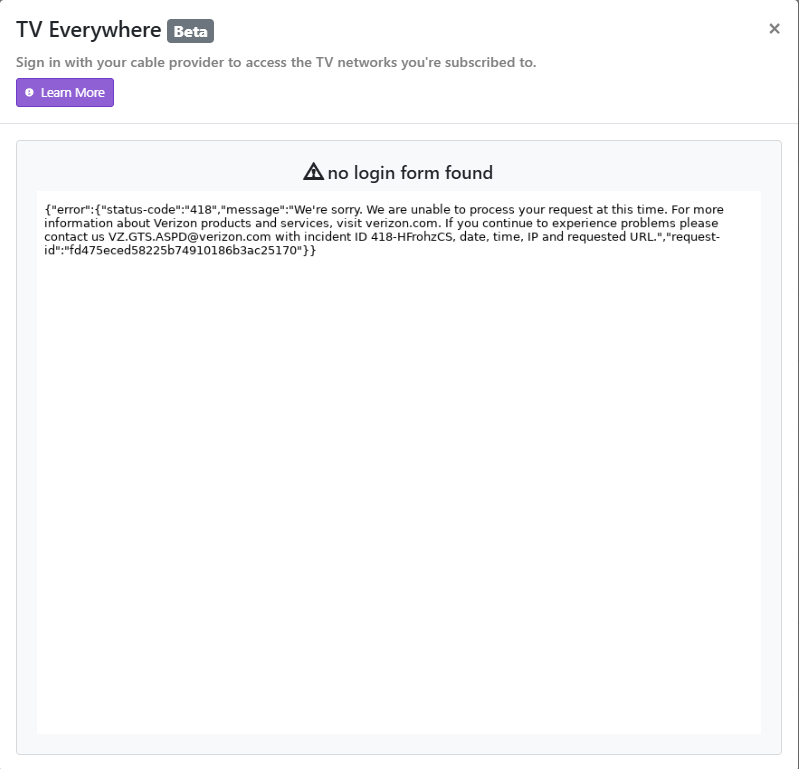
2025/10/31 12:12:31.237802 [TVE] Auth starting for Verizon as XXXXXXX
2025/10/31 12:12:31.445825 [TVE] action=auth mvpd=Verizon requestor=discovery
2025/10/31 12:12:31.910155 [TVE] action=version product=Chrome/89.0.4389.114 jsVersion=8.9.255.24 protocol=1.3 revision=@1ea76e193b4fadb723bfea2a19a66c93a1bc0ca6
2025/10/31 12:12:31.911873 [TVE] action=page_ready chromeVersion=89
2025/10/31 12:12:31.912784 [TVE] action=navigate url=https://sp.auth.adobe.com/adobe-services/authenticate/saml?domain_name=adobe.com&mso_id=Verizon&no_iframe=true&noflash=true&redirect_url=https%3A%2F%2Fsp.auth.adobe.com%2Fadobe-services%2FcompletePassiveAuthentication®_code=&requestor_id=discovery
2025/10/31 12:12:31.915785 [TVE] action=request type=Document method=GET url=https://sp.auth.adobe.com/adobe-services/authenticate/saml
2025/10/31 12:12:32.079847 [TVE] action=request type=Document method=GET url=https://ssoauth.verizon.com/sso/VOLPortalLogin redirected_from=https://sp.auth.adobe.com/adobe-services/authenticate/saml
2025/10/31 12:12:32.079895 [TVE] action=auth_domain domain=ssoauth.verizon.com
2025/10/31 12:12:32.330582 [TVE] action=wait_for_page
2025/10/31 12:12:37.361189 [TVE] action=page_ready
2025/10/31 12:12:37.361290 [TVE] action=wait_for_page done=true reason=page_ready
2025/10/31 12:12:37.361339 [TVE] action=wait_for_auth timeout=12s
2025/10/31 12:12:37.361388 [TVE] action=fill_form u=XXXXXXXX
2025/10/31 12:12:37.388589 [TVE] action=fill_form state=done err=&runtime.ExceptionDetails{ExceptionID:1, Text:"Uncaught (in promise)", LineNumber:0, ColumnNumber:0, ScriptID:"", URL:"", StackTrace:(*runtime.StackTrace)(nil), Exception:(*runtime.RemoteObject)(0xc000ed94d0), ExecutionContextID:0, ExceptionMetaData:easyjson.RawMessage(nil)}
2025/10/31 12:12:37.388805 [TVE] action=screenshot
2025/10/31 12:12:37.499397 [TVE] action=screenshot file=tve_error_screenshot.png size=19863
2025/10/31 12:12:37.539203 [TVE] action=capture_html
2025/10/31 12:12:37.541645 [TVE] action=capture_html file=tve_error_screenshot.html size=483
2025/10/31 12:12:37.541948 [TVE] action=capture_html
2025/10/31 12:12:37.544531 [TVE] action=capture_html file=tve_error_screenshot.html size=483
2025/10/31 12:12:37.568569 [TVE] action=script_error err=no login form found
2025/10/31 12:12:37.611438 [TVE] Auth failed for Verizon: no login form found
That doesn't have anything to do with Channels DVR TVE. You need to check the Network websites to see if your Fios credentials will let you stream from them.
You're running an old version of Chrome.
Follow these troubleshooting steps TVE Troubleshooting tips
The credentials work on TVE websites. Maybe the issue is Chrome.
I'll try another PC with an updated version now.
UPDATE: Just updated Chrome and tried again. Same outcome.
2025/10/31 14:59:01.145516 [TVE] action=auth mvpd=Verizon requestor=discovery
2025/10/31 14:59:01.534281 [TVE] action=version product=Chrome/89.0.4389.114 jsVersion=8.9.255.24 protocol=1.3 revision=@1ea76e193b4fadb723bfea2a19a66c93a1bc0ca6
2025/10/31 14:59:01.535908 [TVE] action=page_ready chromeVersion=89
2025/10/31 14:59:01.536895 [TVE] action=navigate url=https://sp.auth.adobe.com/adobe-services/authenticate/saml?domain_name=adobe.com&mso_id=Verizon&no_iframe=true&noflash=true&redirect_url=https%3A%2F%2Fsp.auth.adobe.com%2Fadobe-services%2FcompletePassiveAuthentication®_code=&requestor_id=discovery
2025/10/31 14:59:01.540634 [TVE] action=request type=Document method=GET url=https://sp.auth.adobe.com/adobe-services/authenticate/saml
2025/10/31 14:59:01.716974 [TVE] action=request type=Document method=GET url=https://ssoauth.verizon.com/sso/VOLPortalLogin redirected_from=https://sp.auth.adobe.com/adobe-services/authenticate/saml
2025/10/31 14:59:01.717023 [TVE] action=auth_domain domain=ssoauth.verizon.com
2025/10/31 14:59:02.127601 [TVE] action=wait_for_page
2025/10/31 14:59:07.183988 [TVE] action=page_ready
2025/10/31 14:59:07.184101 [TVE] action=wait_for_page done=true reason=page_ready
2025/10/31 14:59:07.184144 [TVE] action=wait_for_auth timeout=12s
2025/10/31 14:59:07.184193 [TVE] action=fill_form u=woodvalewp
2025/10/31 14:59:07.193237 [TVE] action=fill_form state=done err=&runtime.ExceptionDetails{ExceptionID:1, Text:"Uncaught (in promise)", LineNumber:0, ColumnNumber:0, ScriptID:"", URL:"", StackTrace:(*runtime.StackTrace)(nil), Exception:(*runtime.RemoteObject)(0xc002f5d680), ExecutionContextID:0, ExceptionMetaData:easyjson.RawMessage(nil)}
2025/10/31 14:59:07.193373 [TVE] action=screenshot
2025/10/31 14:59:07.295641 [TVE] action=screenshot file=tve_error_screenshot.png size=19920
2025/10/31 14:59:07.333332 [TVE] action=capture_html
2025/10/31 14:59:07.335536 [TVE] action=capture_html file=tve_error_screenshot.html size=483
2025/10/31 14:59:07.335842 [TVE] action=capture_html
2025/10/31 14:59:07.338055 [TVE] action=capture_html file=tve_error_screenshot.html size=483
2025/10/31 14:59:07.338361 [TVE] action=script_error err=no login form found
2025/10/31 14:59:07.373749 [TVE] Auth failed for Verizon: no login form found
That's an old version of Chrome
Here's mine
[TVE] action=version product=Chrome/132.0.6834.83 jsVersion=13.2.152.27 protocol=1.3 revision=@03d59cf5ecf1d8444838ff9a1e96231304d4ff9c
[TVE] action=page_ready chromeVersion=132
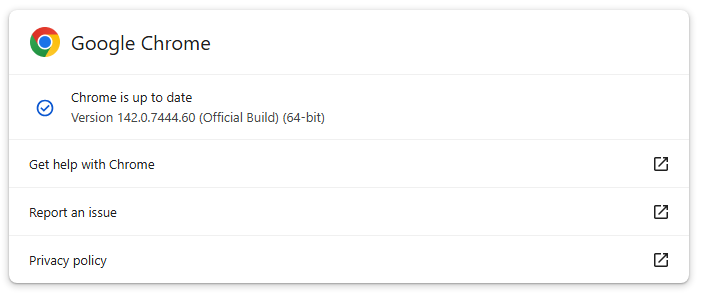
This is the version on the PC I'm running.
I'm curious, where does Channels DVR use Chrome from? Is it local to whats on the Synology NAS? Is it based on the PC that I'm using to interact with Channels on the Synology Nas?
Depends on what you're running it on.
For a Synology NAS, there are two ways to run it.
The Synology package and the Channels DVR TVE docker.
In both cases, the Chrome is supplied by Channels DVR.
If you're using the TVE docker, make sure it's the latest TVE version from https://hub.docker.com/r/fancybits/channels-dvr
When you follow the troubleshooting steps it mentions that and running the DVR troubleshooting.
I got it! Under the Web GUI they have a nice feature to troubleshoot. As you mentioned, the version of Chrome failed. I updated Chrome and it seems to be going now. Thanks for pointing me in the right direction.
1 Like
I've been having this problem for an eternity and could not for the life of me figure it out. Even after searching here multiple times, I struggled.
I found Chrome was out of date and connected that to the No Login Form found error. I pulled down the latest container and that fixed my issues.
Synolgy NAS setup with the Docker container (not native).
Just set up the server and trying to connect to my cable provider - Verizon FIOS in Medford MA.
Regardless of browser used, I get this error message (not very helpful to me).
I can log in to TV Everywhere through their app. Any thoughts?
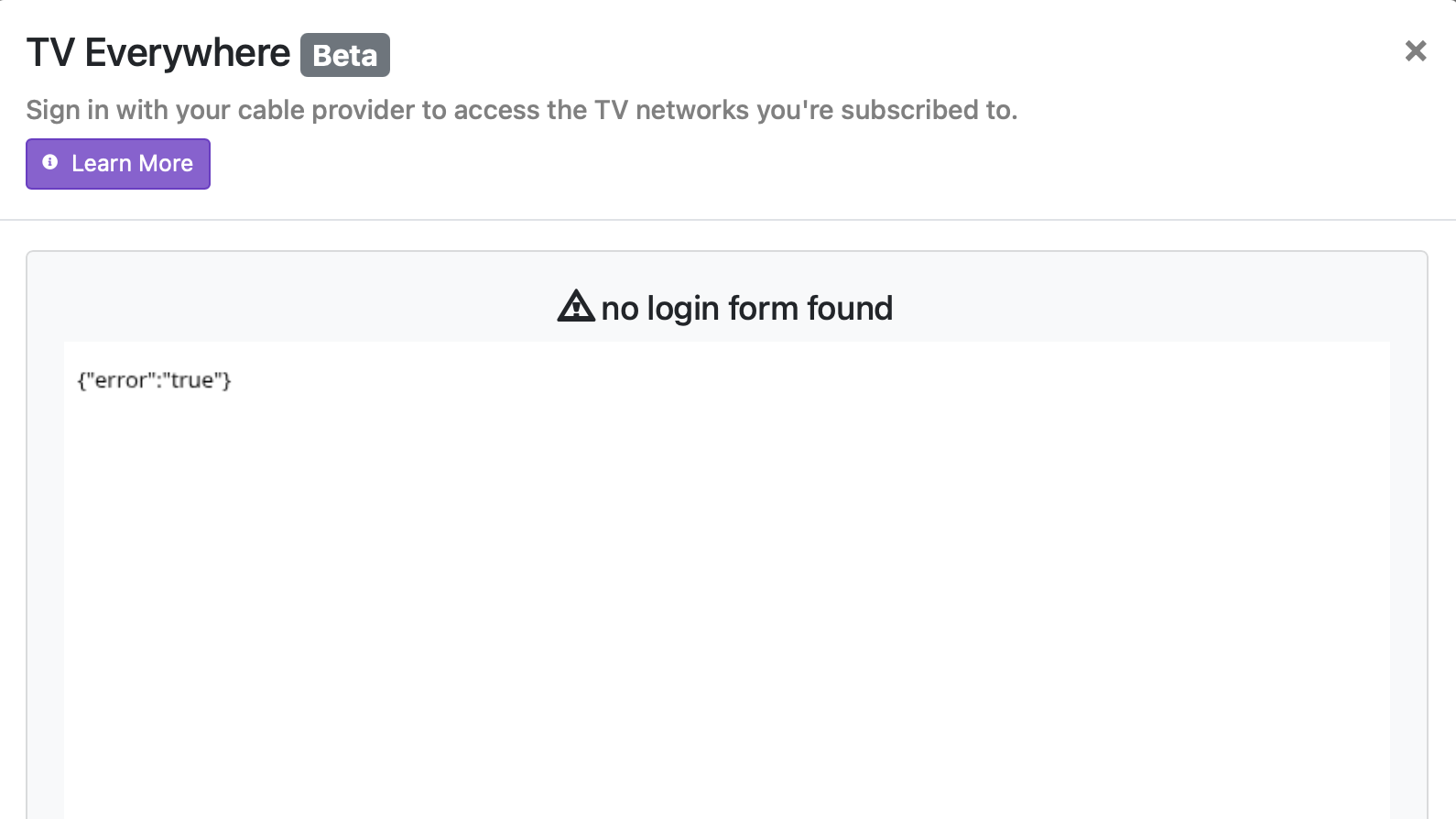
I believe there was a fix for Verizon recently. You need the prerelease to get the fix. In the dvr web ui under Status you will see a check for updates. Next to check for updates there is a triangle drop down, click the triangle and select check for pre release. Then try adding Verizon again.
That appears to have done the trick. I, at first and accidentally tried with Safari (same error), then switched to Chrome. It finally started scanning available channels.
Thank you!