Proxmox-for-Channels: Script for installing Channels DVR in an unprivileged Debian 13 LXC with optional Chrome (not Chromium), Samba and Tailscale

I've developed a comprehensive script for installing Channels DVR in an unprivileged Debian 13 LXC in Proxmox. It's designed to optionally include Chrome (not Chromium), Samba and Tailscale. The script also installs iGPU support for hardware-based transcoding (if available).

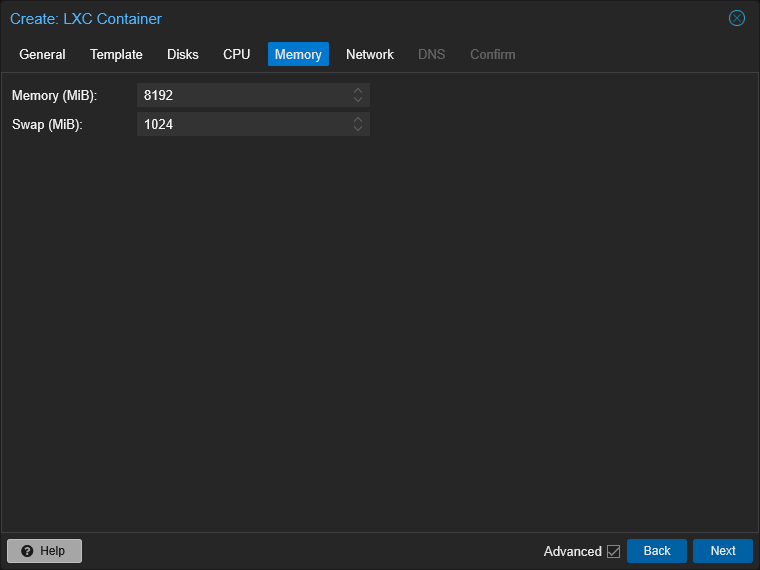
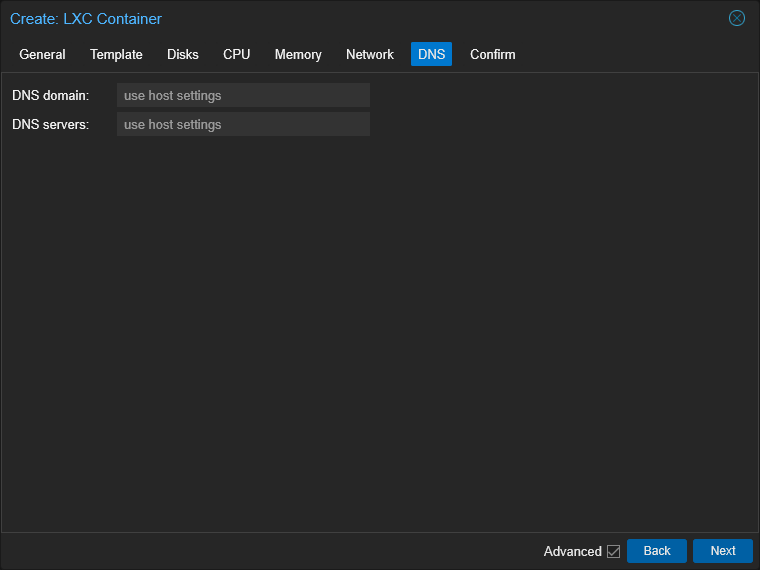
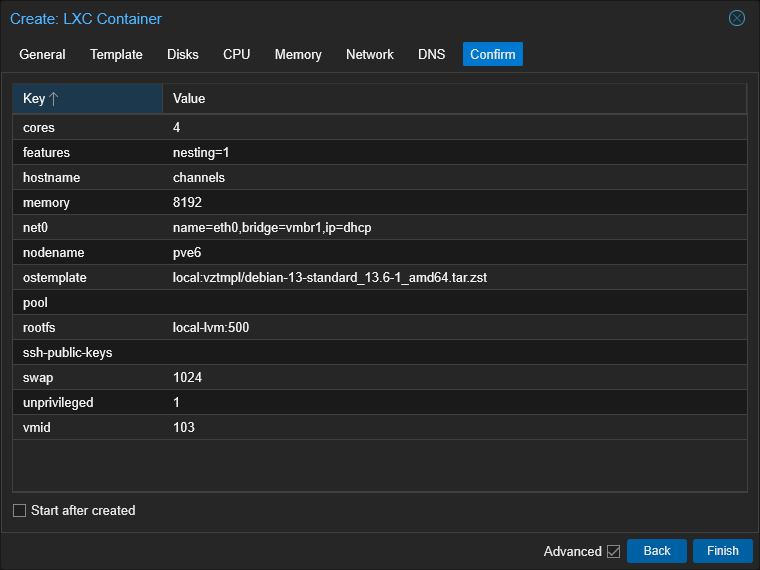
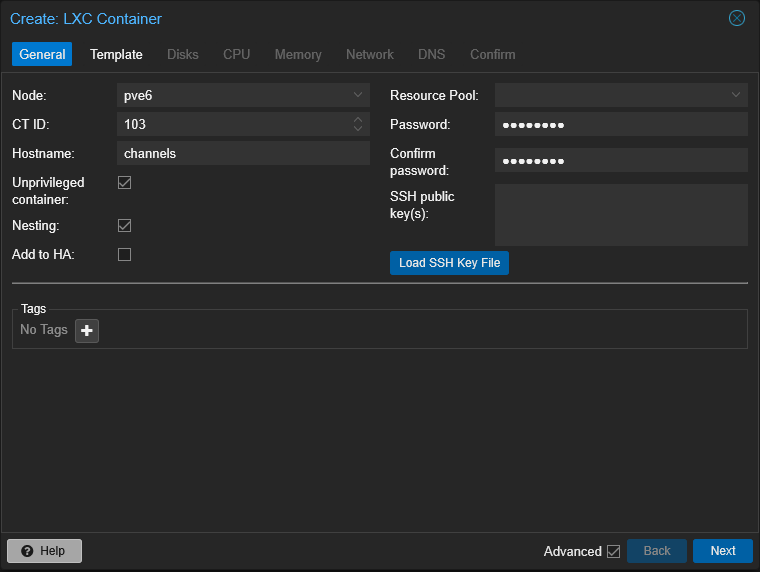
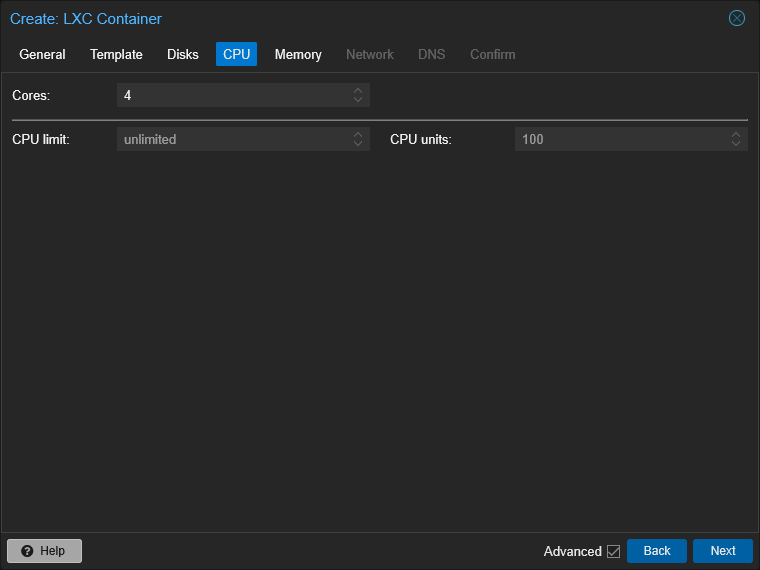
First, create a new LXC with specs to your liking. Here's what I used:
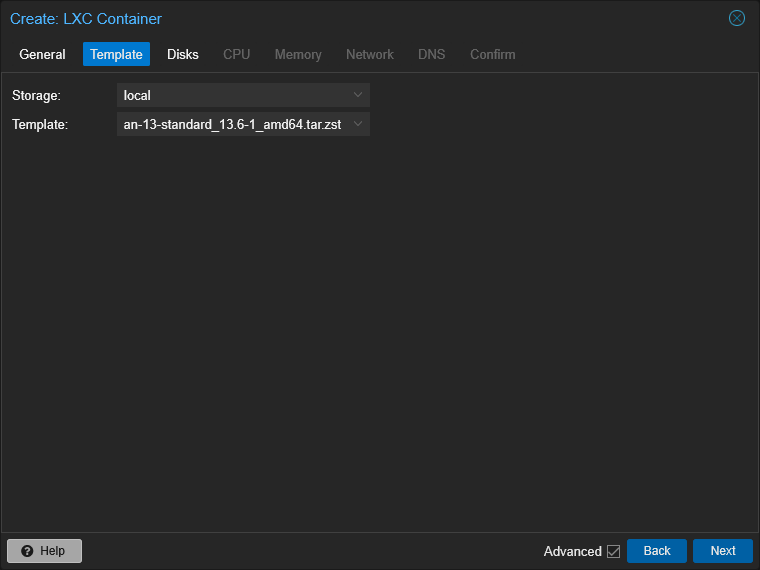
Use the latest Debian 13 template:
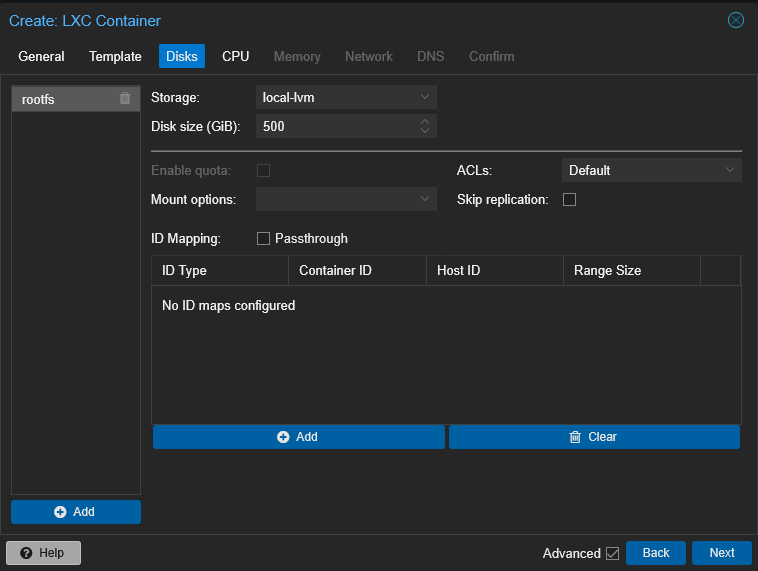
I'm allowing for ~500GB of recordings on the local drive. I'll also add a second storage location on my UNAS-Pro (via Samba) in case I need to off-load recordings. The UNAS-Pro will also be the home for my Personal Media:
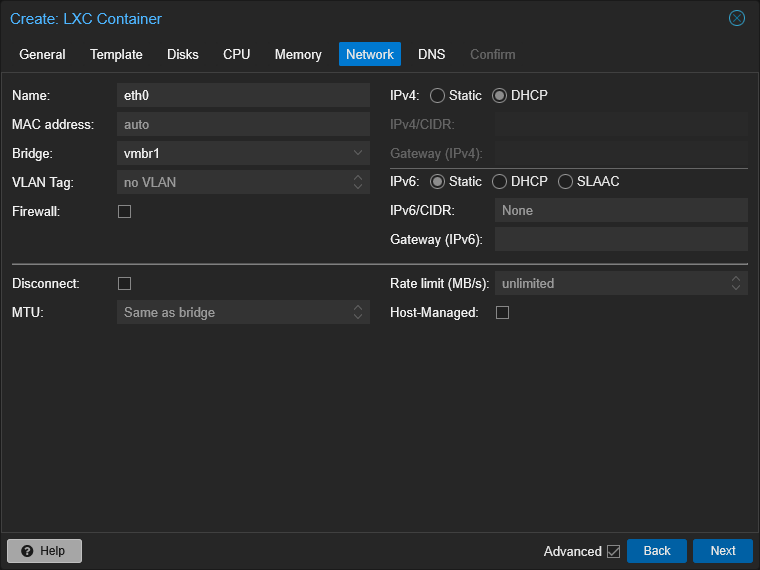
I'm using my 10Gbe NIC on vmbr1 here:
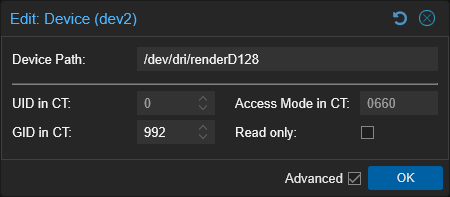
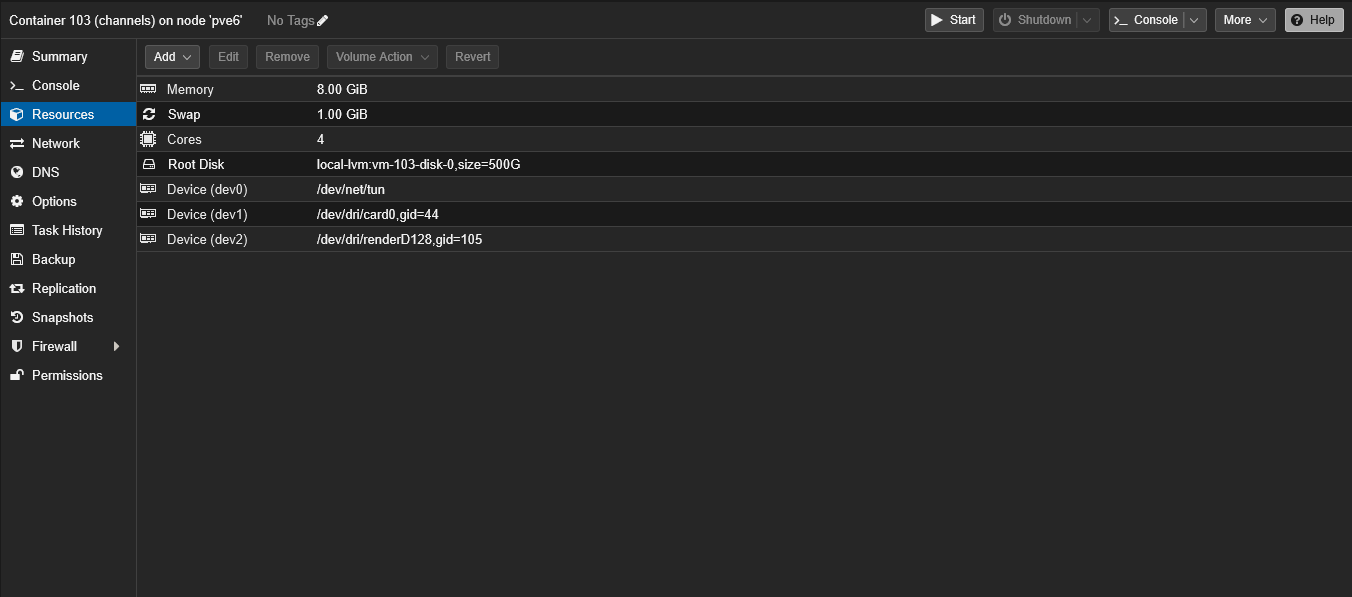
Next, I'll add /dev/net/tun to Resources for Tailscale, and /dev/dri/card0 along with /dev/dri/renderD128 for iGPU support:
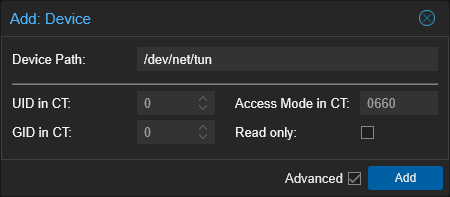
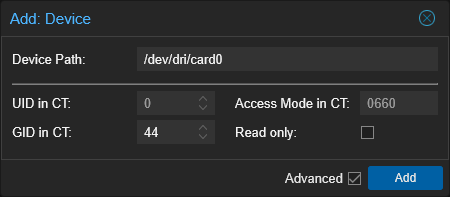
Screenshot 2026-07-25 at 10-28-21 pve6 - Proxmox Virtual Environment

Screenshot 2026-07-25 at 10-28-57 pve6 - Proxmox Virtual Environment

Screenshot 2026-07-26 at 09-04-34 pve6 - Proxmox Virtual Environment

Finally, start the LXC, login and run the script:

bash -c "$(wget -qO- https://raw.githubusercontent.com/bnhf/channels-dvr-proxmox-lxc/main/install-channels-tve.sh)"

well now I have no excuse! :face_with_peeking_eye: I will be following this as my next project. have a machine all ready, just needs the os.

1 Like

I have Proxmox set up, with Docker in its own LXC per @bnhf's advice. :slightly_smiling_face:

Next, will be Channels DVR.

@bnhf, for the network configuration, wouldn't it be better to assign a static IP address instead of DHCP? Or do you prefer to do it afterwards at the router level?

I use DHCP in Proxmox, and then reserve that address in the router (DHCP reservation). That's always worked better for me than using an actual static address set in the client/virtualization.

1 Like

Yes, I think it's better too because you would need to know exactly what address to pick that's not already used. When you have 60+ Wi-Fi devices on your network, that's a lot to check. :laughing:

Also, here's a post from a while back I did on the Proxmox Forum regarding how to make Samba (SMB) shares on your LAN available in an unprivileged LXC:

If you happen to have multiple Proxmox servers, you can mount your Samba shares on each using the same method. That way if you decide to move your Channels LXC to a different host, it's as easy as backing it up to your Proxmox Backup Server (highly recommended to have one!), and then restoring it to that new host.

Down time is only a few minutes, and your up-and-running with same virtualization on a different host. Nothing changes about how you access it, or how it accesses your Samba shares. Your LXC's hostname, IP address, and MAC address all stay the same!

1 Like