
I made a docker logo manager a while back to host my odd ball logos for custom channels and was wondering if anyone else would find it useful? It allows you to upload channel logo images and it scales the image to a 4:3 aspect ratio by adding transparent padding to the original image. It saves the file as a WebP file and supplies an image link for the new file. I'll post some images when I get back to my desktop. I could put it on GitHub if there is any interest in it.
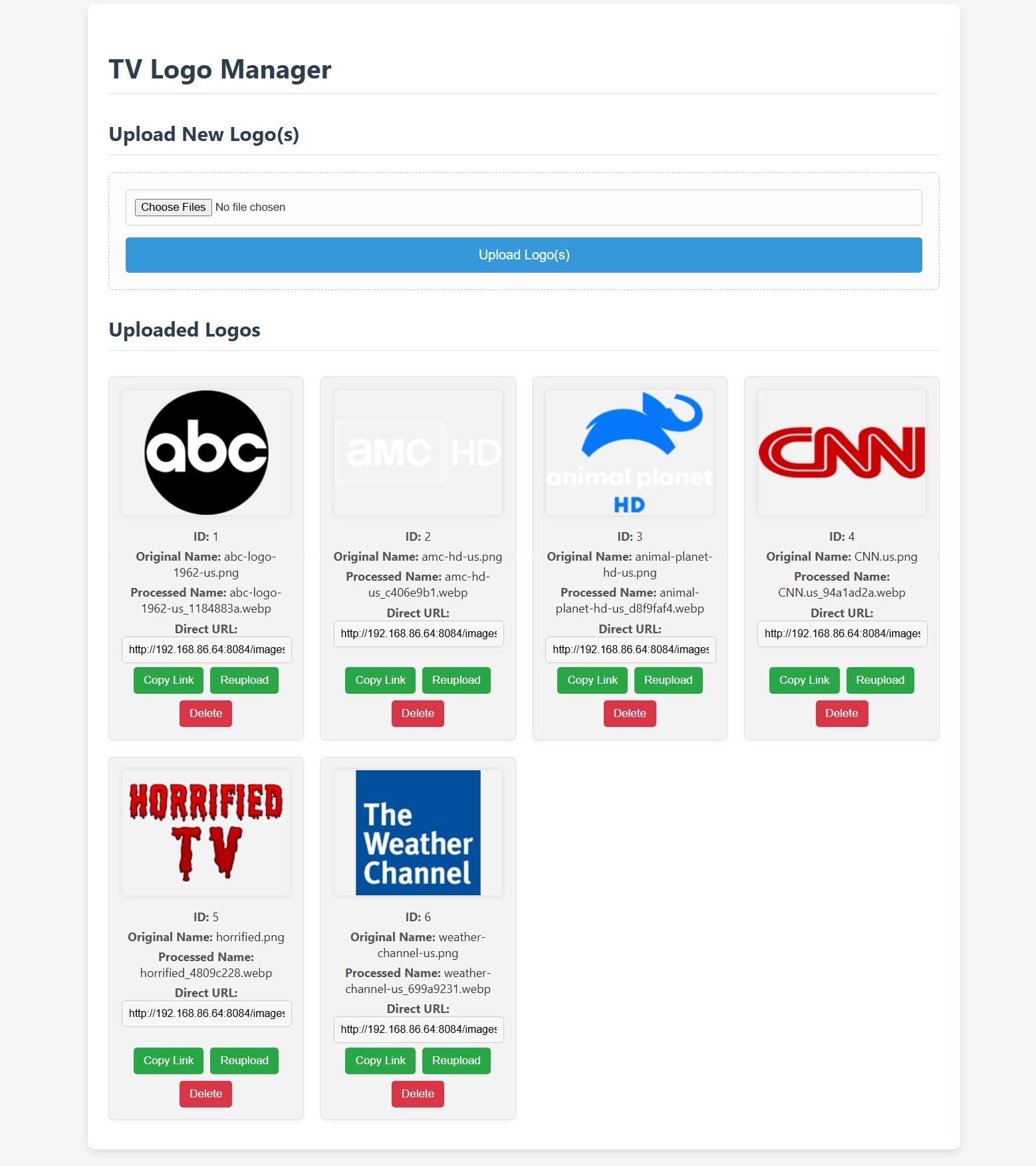
Interested!!
Absolutely, yes, please!
It's on Github. Create a Docker Volume:
docker volume create tv-logo-data
Run Docker Container:
docker run -d --restart unless-stopped --name logo-manager -p 8084:8084 -v tv-logo-data:/app/data rcvaughn2/tv-logo-manager
The images will only be accessible on your local network unless you have your docker with a public ip address. Mine is a local only install which works fine for me, but if you remotely stream your content, you would not be able to see the image on the local network ip
Just want to make sure I understand what this is for! I upload an image I want to use for a channel. This processes it to the correct dimensions for CDVR. It then gives me a URL I can use in my M3U8 playlists. I can later go in and change a logo. And that new logo will have the same URL as the old one meaning I don't have to go edit my playlist. Is that right?
Correct. This version only works on your local network unless you have a public IP for your docker. This means you would not be able to see the images on remote viewing without the public IP. I am working on a remote solution for hosting it on Google Cloud Console to allow remote viewing of the logos. No promises though.
2 Likes
The purpose I use it for is quick logos for my custom channels. The logos for most everything else used with Channels are provided already.
1 Like
The Google Cloud Console is too complicated of a setup for casual users. Other free cloud based docker methods would be too. I will play around with Tailscale a make sure it will function as a remote viewing option.
Channels apps can only accept .png and .jpg files (while the web can take anything). You won't get an error, just blank spots in the apps.
Since you can already upload to Channels and use images from there, that's what I'd recommend. If you want to get kinda fancy, you could create a connection to cause a POST to Channels and get it to upload/index automatically. That's a bit of a hot mess, though, so I'd say just tell users to upload themselves since it takes only a few seconds (perhaps add a "download" button for them to make life easier). This will also resolve your remote issue since it will be house on the Channel's server and can be self-referenced:
tvg-logo="/dvr/uploads/[YOUR IMAGE NUMBER]/content"
1 Like
Thanks for the information and suggestion. Are you sure Channels DVR doesn't support WebP images? I have not had any issues with them in the past few months on my custom channels.
It's what the Devs told me and I've experienced as shown in the link above. It's possible that they are being read as png images anyway, but I always go with better safe than sorry.
The download button is a great idea. I'm going to add a download WebP button and a download PNG button. I'll convert the PNG on the fly from the WebP file. I'm going to remove the reupload image button too. The browser cache keeps the old image in it since the URL doesn't change. Modifying the link would defeat the whole purpose of reuploading the image. Thanks again.
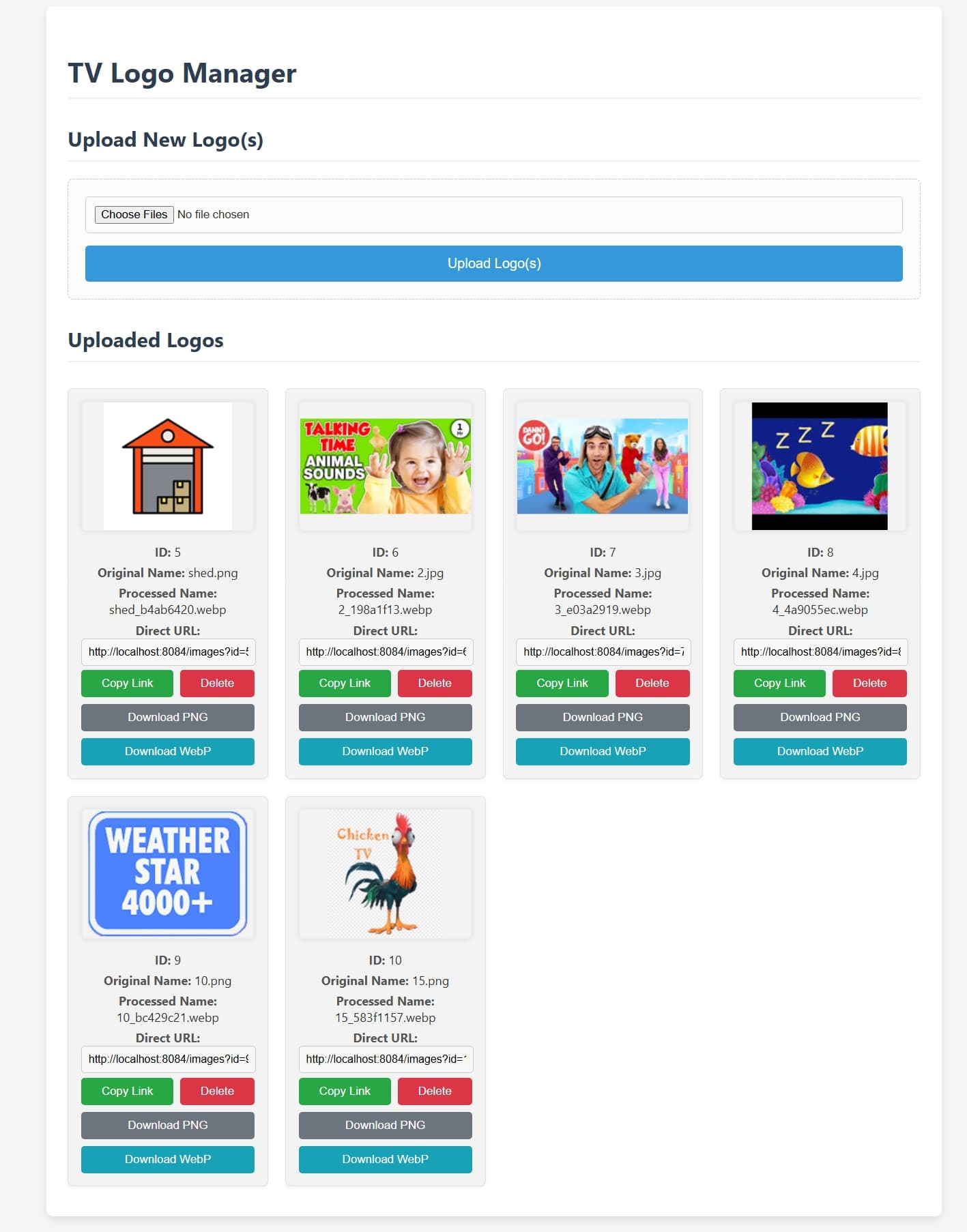
I tried installing this on an M1 Mac Mini I'm using for CDVR and all of my other dockers, but got this error:
docker: no matching manifest for linux/arm64/v8 in the manifest list entries
Any help appeciated.
I’ll update it in just a bit. Sorry about that.
Try the changes and see if the issue is fixed please. Thank you.
That worked, thanks! I've got it up and running now.
Let me know if anyone has an issue or if it functions as expected. I know it's a simple thing, but nice not to have to open editing software just to get the aspect and format correct. Thanks.
TV Logo Manager V2 Released: Now with Cloudinary Integration!
 Features
- Cloudinary Integration: Automatically uploads processed logos to your Cloudinary account for reliable, fast, and scalable hosting.
- Effortless Uploads: Easily upload single or multiple image files through a user-friendly web interface.
- Automated Image Processing: All uploaded images are automatically resized to a consistent 4:3 aspect ratio (720x540px) with padding and converted to the universally compatible PNG format.
- Interactive Logo Gallery: View all your uploaded logos in a clean, responsive grid.
- Direct Access Links: Each logo provides an easy-to-copy, secure Cloudinary URL, perfect for M3U8 playlists.
- Simple Management: Delete unwanted logos from the system and your Cloudinary account with a single click.
- Persistent Metadata: Logo metadata is stored in a persistent Docker volume.
Version 1 is still available with the :original tag.
Nice work @Bobby_Vaughn! I just found this so starting new. I tried the latest V2 but I keep getting errors when I try to upload an image. The same images upload to V1 fine. I am testing this on a Mac mini M4. The start of the error message I get this;
ERROR in app: Image processing failed for Classic_Movies.jpeg: Error parsing server response (404)
The error message then returns;
"POST /upload HTTP/1.1" 500 -
There is a lot more in the 1st error message. Let me know if you need the full message. I have tried this with both jpeg and png images. Both are fine on V1 but I keep getting same message on V2.
Edit: I have tested V2 on a linux/debian host and get same error results