
Please be sure you are on the latest TestFlight beta as they are moving fast. A lot of fixes were put into the focus around the full screen cycling:
So far looks good maddox. Will continue to try to break it.
1 Like
I just updated to v9.14.2302 on my iPad, set up four channels (very cool!) and now I can't escape from the 4-up view back to the main UI via the < button in the upper left. It just does nothing when I press it, while the button in the upper-right brings up the guide strip at the bottom as expected. Presumably the "back" button is supposed to work? I suppose I can force-quit it and send logs. I removed 3 of the 4 channels, leaving 1, and I'm still unable to go back.
It looks like I can switch to other screens (guide, on now) by long-pressing on the Channels app icon, but the back button never works. I just submitted diagnostics by going back to the guide and then opening the hamburger menu.
Edit: Same with 9.15.229
1 Like
as of the latest TestFlight beta, Play To (and other remote mechanisms like Channels API and Siri Shortcuts) will add that channel to your Multiview, if Multiview is running.
Additionally, Multiview is cleaned up when launching other things via these mechanisms.
5 Likes
Is there an option to disable the confirmation prompt popup? It should work like the single player Play To.
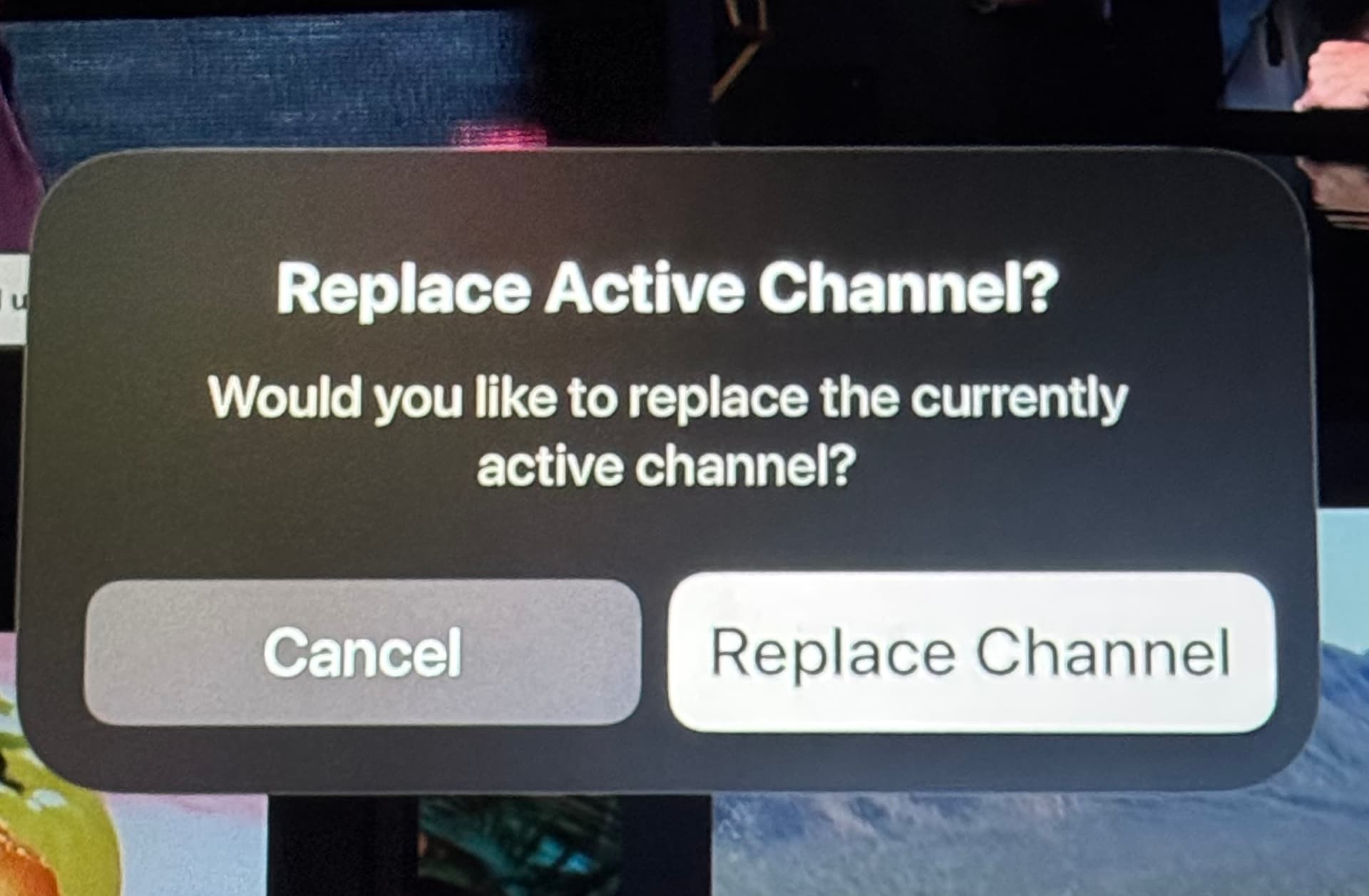
When I use the Play To option from my phone or Shortcuts, I don’t want to pick up the remote to confirm it. At this point I already made that decision to replace or add the channel.
1 Like
This was resolved in the latest TestFlight beta:
1 Like
I was trying the “play to” feature this morning. I noticed that i was able to select some local content virtual channel material and “play to” the multiview on my apple tv.
As expected , because local content is not supported in multiview, you just get a the big triangle with exclamation point.
Perhaps there could be some extra logic or error handling in the “replace channel” to check for local content and reject. Or in the “play to “ to avoid sending local content to the multiview at all. Sounds like it could be tricky…
1 Like
Good catch.
Yeah, the mobile client has no idea what is happening on the target, so it just passively sends the channel to play.
We'll add some logic on the target to disregard virtual channels.
As of the latest TestFlight beta, virtual channels will not be added to Multiview when sent remotely:
1 Like
As of the latest TestFlight beta, you are no longer prompted to replace the active player when a channel is sent remotely:
Is this a Feature ONLY available to Channels DVR subscribers, or is it also available to Channels for HDHR app users?
Is it technically feasible , to allow the “play to” feature to initiate a multiview session on another other client without first starting the multiview session on the target device?
Logic like the following:
Play to:
Home theater
Home theater - multiview
i.e. can multiview sessions be “pushed” to a another target
1 Like
The crash still occurs, but i did try using the “play to” feature and sending a local pbs hd stream from my “All Channels” on my iphone to the multiview session running on my ATV. That worked fine.
So cool, will be great for watching college football Saturdays!
1 Like
I have no new issues to report this morning. I just wanted to say, that I love this new feature, so much.
6 Likes
Can we get full screen swipe left/right or using keyboard left/right arrow keys for the iPad too?
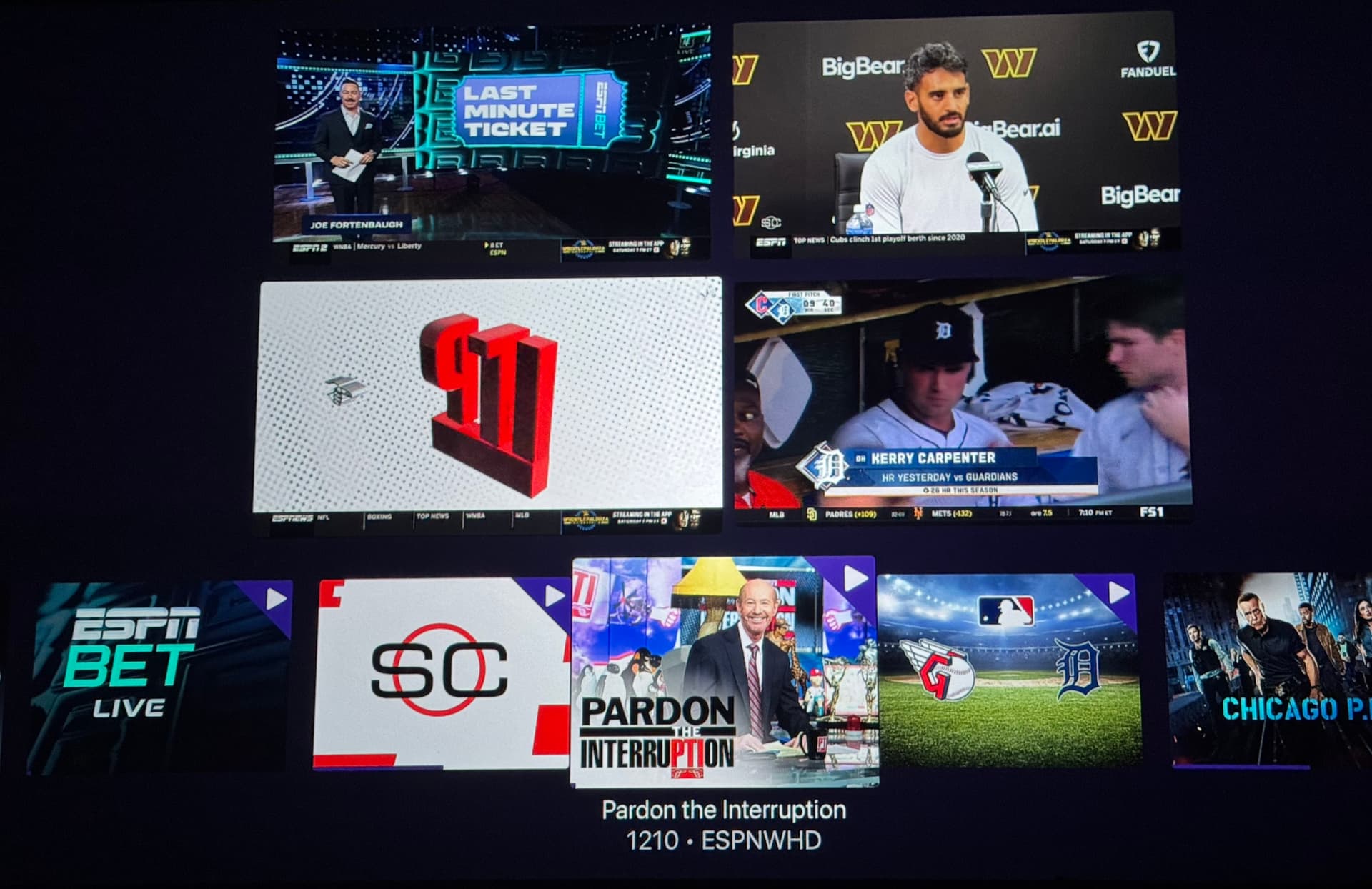
Can we remove or replace (no prompt) the channel from the mini guide? This is how the ESPN & Apple TV+ MLS Multiview app does it.
1 Like
Ok, this should be fixed now on the latest TestFlight beta:
1 Like
Still seeing the crash on ipad and TVOS. Sent in another crash log from ipad.
Im still on ipados 18 and tvOS 18. Havent updated to ‘26 yet, in case that helps.
1 Like