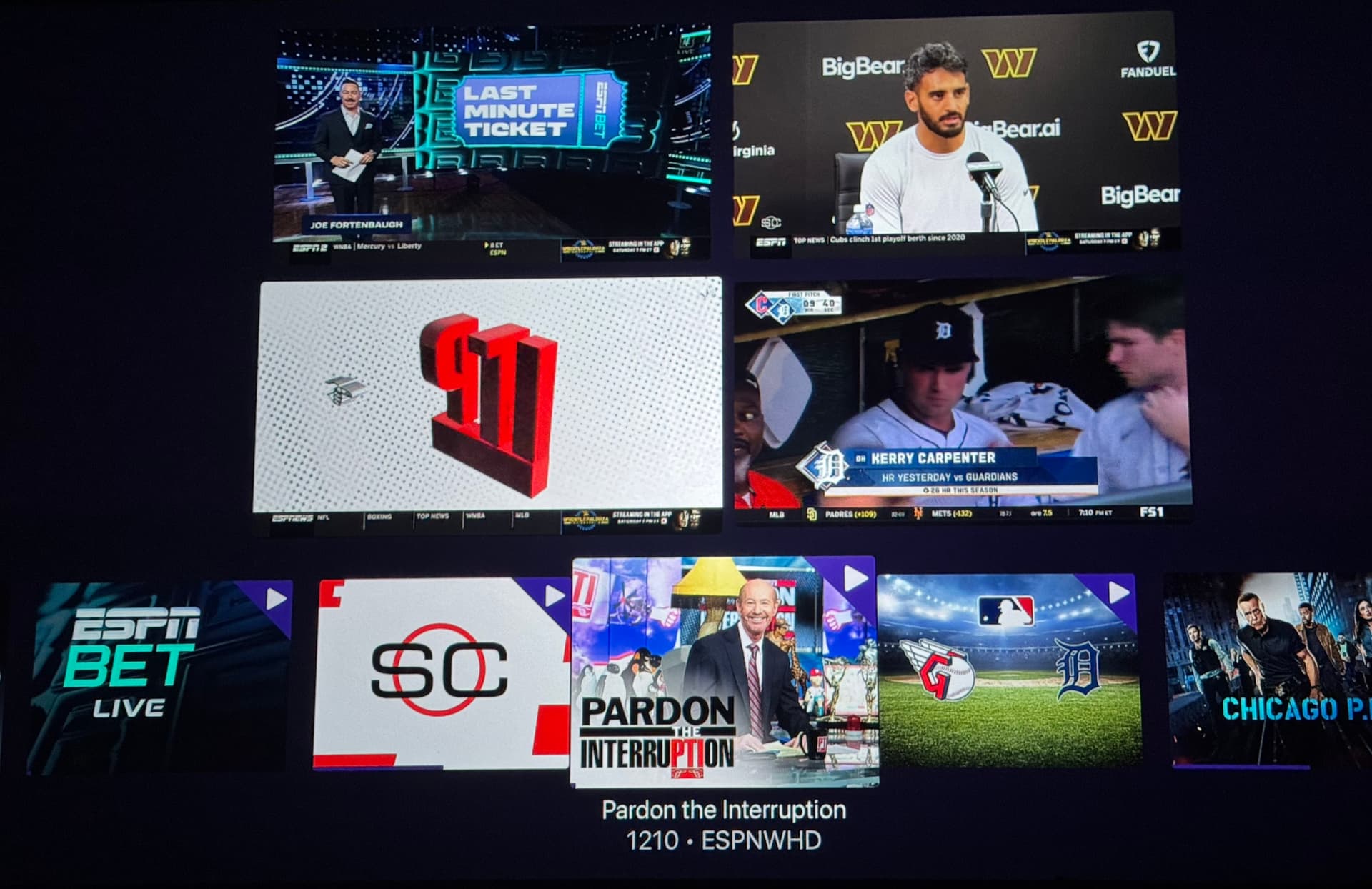
Beta: tvOS & iPad Multiview

as of the latest TestFlight beta, Play To (and other remote mechanisms like Channels API and Siri Shortcuts) will add that channel to your Multiview, if Multiview is running.

Additionally, Multiview is cleaned up when launching other things via these mechanisms.

5 Likes

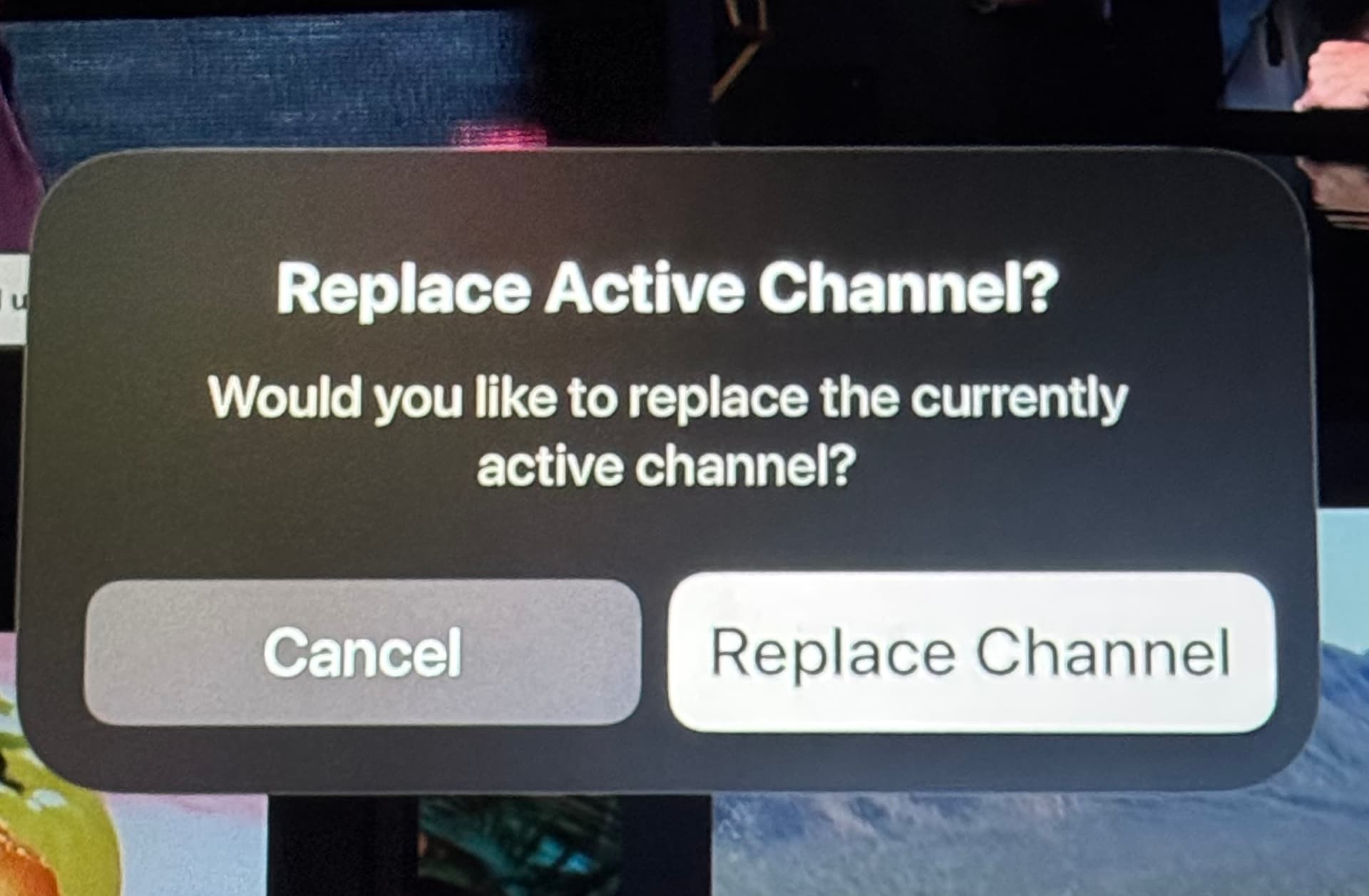
Is there an option to disable the confirmation prompt popup? It should work like the single player Play To.

When I use the Play To option from my phone or Shortcuts, I don’t want to pick up the remote to confirm it. At this point I already made that decision to replace or add the channel.

1 Like

This was resolved in the latest TestFlight beta:

1 Like

I was trying the “play to” feature this morning. I noticed that i was able to select some local content virtual channel material and “play to” the multiview on my apple tv.

As expected , because local content is not supported in multiview, you just get a the big triangle with exclamation point.

Perhaps there could be some extra logic or error handling in the “replace channel” to check for local content and reject. Or in the “play to “ to avoid sending local content to the multiview at all. Sounds like it could be tricky…

1 Like

Good catch.

Yeah, the mobile client has no idea what is happening on the target, so it just passively sends the channel to play.

We'll add some logic on the target to disregard virtual channels.

As of the latest TestFlight beta, virtual channels will not be added to Multiview when sent remotely:

1 Like

As of the latest TestFlight beta, you are no longer prompted to replace the active player when a channel is sent remotely:

Is this a Feature ONLY available to Channels DVR subscribers, or is it also available to Channels for HDHR app users?

Subscribers only.

3 Likes

Is it technically feasible , to allow the “play to” feature to initiate a multiview session on another other client without first starting the multiview session on the target device?

Logic like the following:

Play to:

Home theater
Home theater - multiview

i.e. can multiview sessions be “pushed” to a another target

1 Like

The crash still occurs, but i did try using the “play to” feature and sending a local pbs hd stream from my “All Channels” on my iphone to the multiview session running on my ATV. That worked fine.

So cool, will be great for watching college football Saturdays!

1 Like

I have no new issues to report this morning. I just wanted to say, that I love this new feature, so much.

6 Likes

Can we get full screen swipe left/right or using keyboard left/right arrow keys for the iPad too?

Can we remove or replace (no prompt) the channel from the mini guide? This is how the ESPN & Apple TV+ MLS Multiview app does it.

1 Like

Ok, this should be fixed now on the latest TestFlight beta:

1 Like

Still seeing the crash on ipad and TVOS. Sent in another crash log from ipad.

Im still on ipados 18 and tvOS 18. Havent updated to ‘26 yet, in case that helps.

1 Like

Please try this build:

i'm literally buying an apple tv right now. lmao. all that work we did on this topic i can finally stop worrying about it.

1 Like

Well, the newest model is coming out next month. Going to be a pretty big upgrade.

1 Like