CableCard refugees: What's next?

Just FYI. While I was experimenting I purchased a magewell 4K HDMI encoder box that does multi-channel audio, including DD 5.1. It actually worked great, but two issues make it not a viable option. 1. It is expensive. I don't remember exactly, but it was north of $500 IIRC; and 2. I could not get the HDCP to be happy unless it was connect to an older ATV (non 4K). Even running at 1080p, it would not sync properly.

Multi-channel audio is possible. But ultimately I realized that only 2 of my 6 TVs can do anything with it, and even then it is only really for certain content. So I abandoned the experiments, and just use different source when necessary.

Don't know about CC. Not even sure how it is encoded. But wondering if the local box could do that with a little AI help.

Not sure why the encoder vendors don't tackle both. But perhaps it allows them to fly under the radar of the content owners.

They don't want to pay for the Dolby license I'm sure.

I actually purchased this back in early 2018:
https://www.amazon.com/dp/B074JFXJG6
It was $350 at the time + an m.2 pcie expansion card to put it in.
I was able to get it to capture video, but it was raw and file sizes were huge.
I had been using the Hauppauge capture devices for quite some time with SageTV. That was the only other device that was ever able to capture in 5.1 channel audio, but the video quality was quite soft. The newer HDMI encoders really have some sharp video, so that's been the tradeoff for losing 5.1 audio. Ever since making the switch to 2 channel audio I really don't watch many movies on the old 7.1 channel entertainment center.

The next couple generations behind me just don't seem to care about 5.1 channel audio, or linear television for that matter, or watching on any screen bigger than 7". That said, I do watch the latest HDMI encoders to see if one of them emerges with the capability to capture the closed captions as a separate track in the video file. Unfortunately it appears that the source must be capable of feeding that CC data in a way that current options can't do.
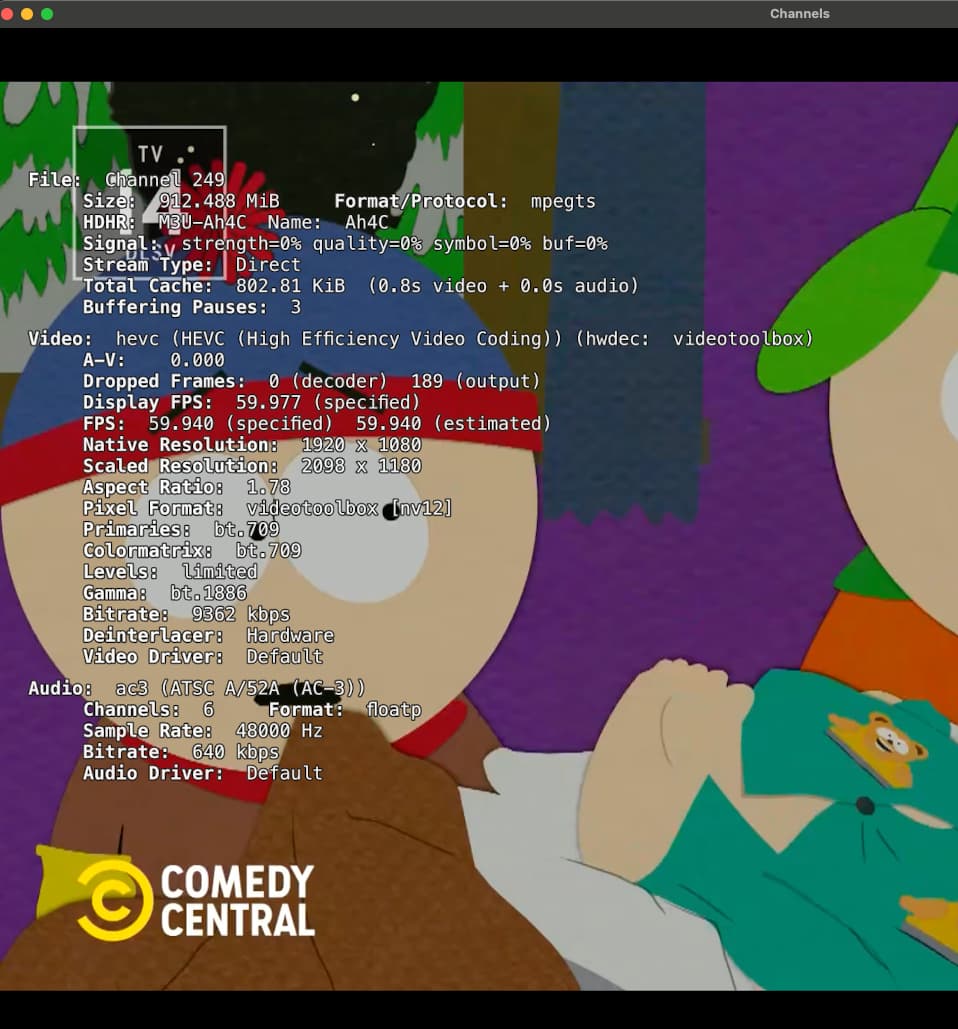
For me, Bobby Vaughn's native Windows Android ADB Bridge has been a lifesaver. I need the amount of 'moving parts' of the software and operating system to be kept to a minimum, which seems to result in the least maintenance on my part.

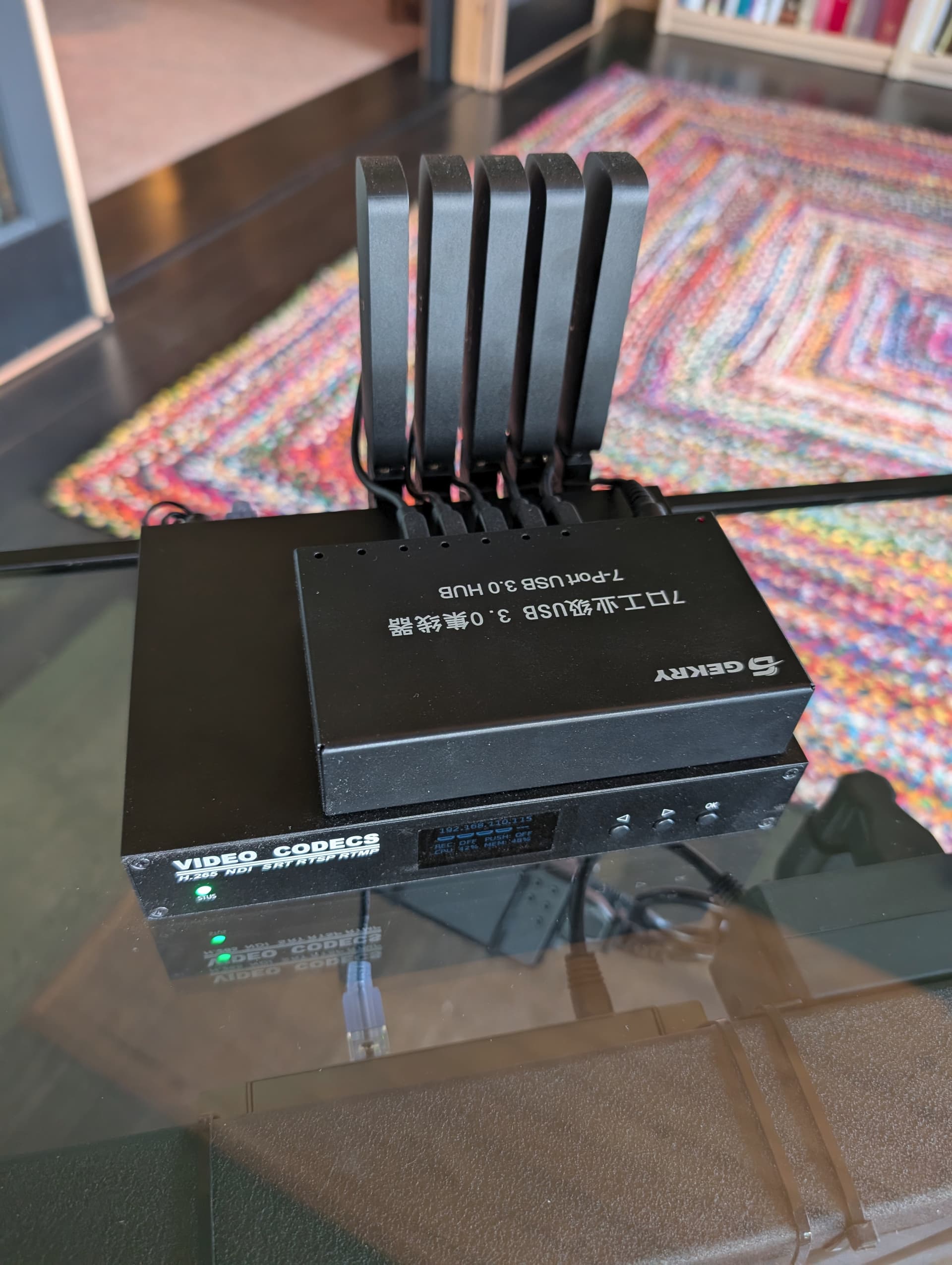
I have Onn devices plugged into the 4-port HDMI encoder, and Bobby made this super easy to set up with YoutubeTV. It took longer to get the Onn devices cleaned of their bloat than it did to set up the ADB bridge. If only we had a flashable ROM for the Onn devices specifically tailored to just the stuff needed for Channels DVR.

One additional thing that made my life a lot easier (I don't mean for this to sound like a plug for YTTV) was that YTTV has a $30/month add-on that includes HBO Max, SHOWTIME, and STARZ (it does not include Paramount+ linear television, however). With the Windows Android ADB bridge, I dug out some deeplinks and Channel-ID's with the help of other users here. The key is always to figure out how to remove another level of complexity, in this case trying to reduce the number of paid streaming services and logins.

Older devices are also less likely to receive Android upgrades, too. Thinking more provider drops than vega upgrades

I'm watching this thread closely as I like things to just work.

When Verizon FIOS started to drop my cable card support I did an evaluation of options. I had a rather premium and legacy and discontinued plan for FIOS. I did the following:
Made a spreadsheet up of what channels and we I watch and prioritized them.
Then I looked at different ways to receive them and the costs. My conclusion was that an antenna and streaming got me most of what we watch for much less per month. I use SLM to integrate our streaming into Channels and this is great having everything in one place. When installed the antenna I was amazed to see that there are 90 broadcast channels in NYC and that FIOS was only providing about a dozen of them. There are multiple movie channels broadcast in NYC providing many of the classic movies that we can also get via Fast Channels. I'm now paying $100 less per month for equal to better content. There are a few shows I'm missing and looking for reasonably priced ways to get them and that's my interest in the encoder projects.

It's possible to add CC to any recording without permanently burning them in. Here's such a system: Synchronized Closed Captions for Channels

1 Like

To complement your delving into encoder projects, I highly recommend suppose.tv if you haven't used it before. You can easily find the cheapest OTT bundle for whatever last few shows/channels you need.

Thank you,

The pricing looks exactly like what I just ran away from. I want 1 show from each of 4 different streaming services. This is the Cable TV game, make you pay for things you do not use. When they stop bundling and hitting me with there carriage fees I'll play.

Morris

Awesome! Now it just needs to be fully integrated into Channels DVR to remove another level of complexity for the end user.

It's fully integrated in the sense that it monitors the DVR and automatically adds captions to whatever recordings that you designate by rule or individually. It also cleans up after itself. Its a Docker image so it's pretty straightforward to install. The tricky part is getting the GPU support. If you install it in Linux or Windows and you have an NVIDIA GPU, it will just work (it says here ;-). Otherwise, you will need to work out the GPU integration. It will work without a GPU, but it's at least 5 times faster with it.

Gotcha. Thanks, Jay!

What you just explained with the complications and all is the perfect reason to just roll it into an update for Channels DVR. The user barely even knows that it happens, except for a checkbox somewhere in the Channels DVR server software, and it just works!

1 Like

while I agree that'd be great, these are custom inputs and hdhr & tve include the captions in the stream.

this is why I haven't used it yet, i'm already stretching my n100 pretty thin

1 Like

Well, let's hope there's a checkbox to disable the feature for folks who don't have the hardware to pull it off. Or not.

1 Like
  • What streaming device are you using?

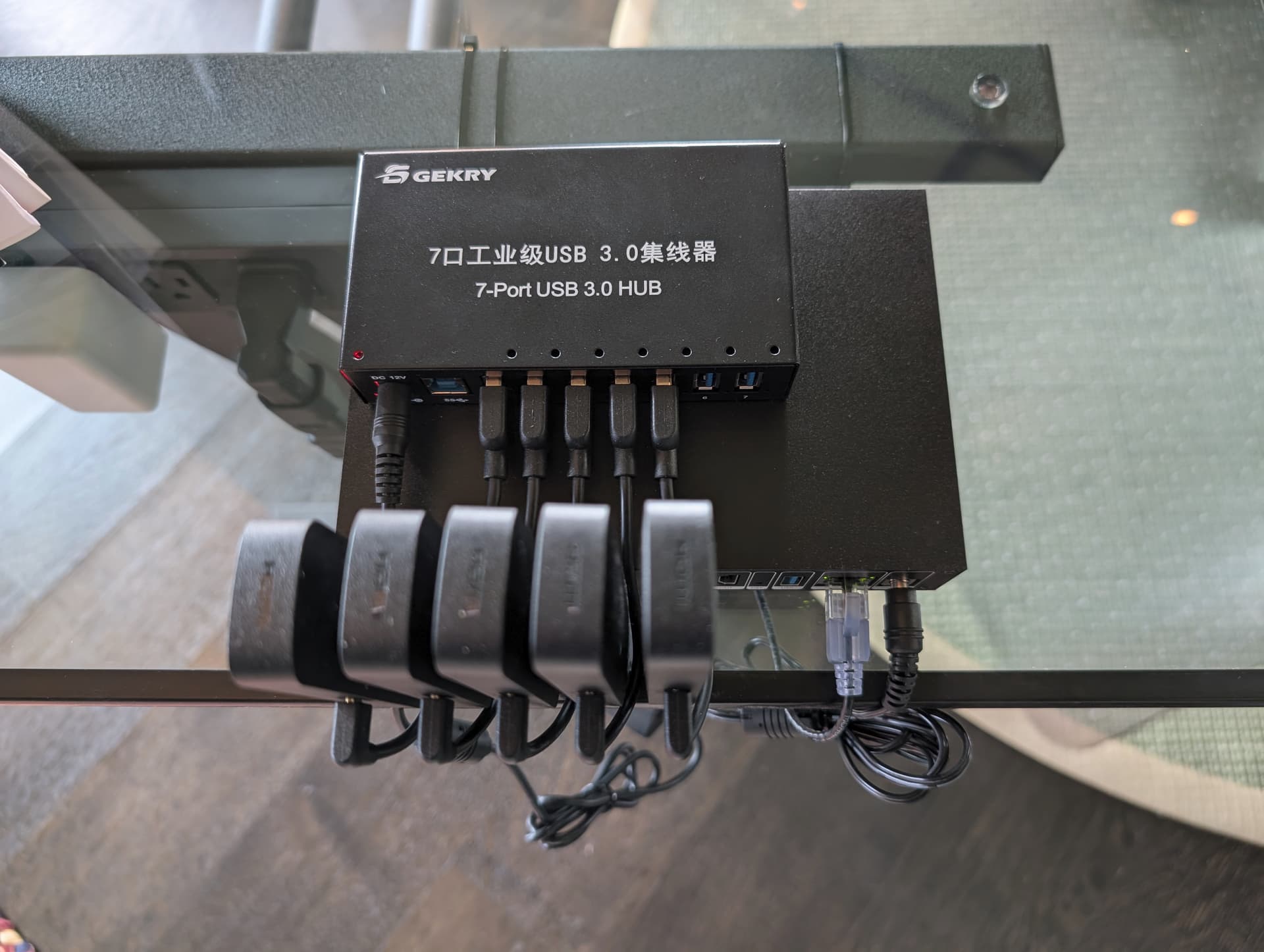
After a quick survey of the devices being used and talked about, I decided on the Onn 4k Pro and LinkPi ENC1-V3 combination

  • Why?
    Mostly because there are other people using them and therefore some experience to draw from

  • What did you try before?
    I used CC4C and PrismCast, but I couldn't get either of them to work acceptably reliably

  • What makes it better?
    When CNN started encrypting, I essentially wanted 24x7 recording, so hardware seemed like the best solution. The thing that's better is the reliability, once the glitches were worked out

  • What sucks about it?
    I had to deal with the CNN app crashing about every 8 hours or so. I needed to schedule a process on my media server to kill and restart CNN every 6 hours.

  • What middleware are you using?
    I started with ADBTuner, but it turns out that I don't need it (yet) since this is only for CNN. The source definition in Channels is pointed directly at the encoder's output.

The only channels I really need the cable card for are local news and such and I can get most of them with OTA hardware. Everything else is currently available via TVE. I am recording one program on MS Now using CC4C. IT failed again last night... The 5 channel LinkPi is on the expensive side, so I'll be checking out cheaper solutions once I get completely familiar with this tech, and as more sources abandon TVE.

I actually have three of the ENC1-V3s and highly regret buying them.
I ended up getting two ENC5-V2 units. One to really use, and one to kind of play with. There are a little bit more, but to be honest, you do need more capacity sometimes, especially around that prime time hour. You can really run out of tuners. If you are okay with just two tuners, one recording and one live, then they are fine. But if you need three or four tuners potentially, then I would highly suggest getting an ENC5 unit. It is less expensive in the end.

I don't want to hijack this thread any more, so if you have anything else to say about PyCaptions, please follow up here: Synchronized Closed Captions for Channels - #3 by jay343

Incidentally, I ran into a wall with Intel GPU support. The underlying tech, Ctranslate2, doesn't support Intel at all. I may look for a workaround, but don't hold your breath. Meanwhile, check out my post about hardware and performance in the link above.

It is possible to get seamless 5.1 with both the Magewell PRO (pcie) and the magewell eco (m.2). The system hosting the card has to be linux based using this wrapper.

You have the option of running it directly in ah4c using a command or you can set it up so that it streams the feed over the network. This way you can feed it into adbtuner. There is also the option of just using ah4c and using @bnhf 's method of sending the feed from ah4c to adbtuner.

Your video sizes would depend on the quality you set in the wrapper.

I dropped FIOS for DTV Stream a few months back. Prior to that I loved CDVR being the front end for all my TV. I only integrated my HDHR and Pluto, but I converted the house over to AppleTVs and no cable boxes.

Now... CDVR still covers Pluto and a few channels from other FAST providers via FAST Channels. It still works better for me than navigating Pluto's app. It also pulls in the few TVE stations available. When I want 'cable TV' I go the DTV app. With ATVs everywhere, it's not bad. I don't have to switch inputs on any TVS, just switch apps.

I'd love to integrate DTV back into the mix so it's one interface again. If I used an ADB based solution I'd need at least two streams if not three and it looks pretty expensive and time consuming to get setup. The geek in my thinks it might be fun, but I also don't have much time to fiddle with it as I used to.

1 Like