Getting the following error when pulling to update:
Unable to pull ghcr.io/kineticman/fruitdeeplinks:latest
no matching manifest for linux/arm64/v8 in the manifest list entries

Getting the following error when pulling to update:
Unable to pull ghcr.io/kineticman/fruitdeeplinks:latest
no matching manifest for linux/arm64/v8 in the manifest list entries
you using Porttainer?
I am now. Got it working and updated. Thanks for all your hard work on this. Works great
Did a wipe and full scrape and some more Amazon items are showing now. I'm thinking now it could have been a timing issue, I forgot that the items on the filters page only show up for events within 24 hours. It is also a quiet weekend for pro sports due to the NBA all star game and Olympics, etc.
I'll keep an eye on it going forward. Sorry for the false alarm.
I believe I have the Amazon scraper only to look out 2 days. Once I’m more confident in it, I’ll add more days
Just an idea that might help (if I'm folllowing properly)... could you feed all the m3u from Prism into Stream Link Manager's linear function? Then, set your XML/M3U in Channels custom sources using the SLM combined outputted m3u/xml?
I mix a few of my sources using SLM with some channels have Gracenote and some don't (mixture of multiple XML sources).
So, to make sure I get this right, I should add the FDL channels into PrismCast with the enabled predefined channels, then take that m3u and use StreamLink from there. Is that right?
Why not just use the new PrismCast playlist that FDL is producing, along with the companion XML, and set that up as a separate Custom Channels source? In that scenario, there's no need (nor is it desirable) to add any of those channels via the PrismCast WebUI.
That's what I'm doing now. I was just trying to consolidate into one source.
Maybe there's an advantage in doing it that way; that I'm not thinking of -- but if you want them them together in the guide, you can always combine them in a channel collection.
Probably not any advantage, just a preference. Creating a collection would still leave the same number of sources and then adding a collection. It works the way I have it now, but I like to fiddle...
Looks like I may need a little assistance setting this up. My goal is to utilize FruitDeepLinks & ADB Tuner to play and record.
I previously set up FDL and was able to get the streamlinks to play.
I deleted all my previous FDL stacks to be able to start from scratch.
I started with @bnhf directions in post #93. I utilized Project One Click to create The FDL stack. I performed the initial scrape then configured ADB support. I'm very weak on ADB Tuner. I do know my endpoint connection was successful and the stick is Android 7. I do have a newer stick that I can swap out if needed.
I've got a custom source set up but probably wrong. I can see in the guide but can't play.
Before I just post a lot of logs, what would you like to see?
Thanks in advance.
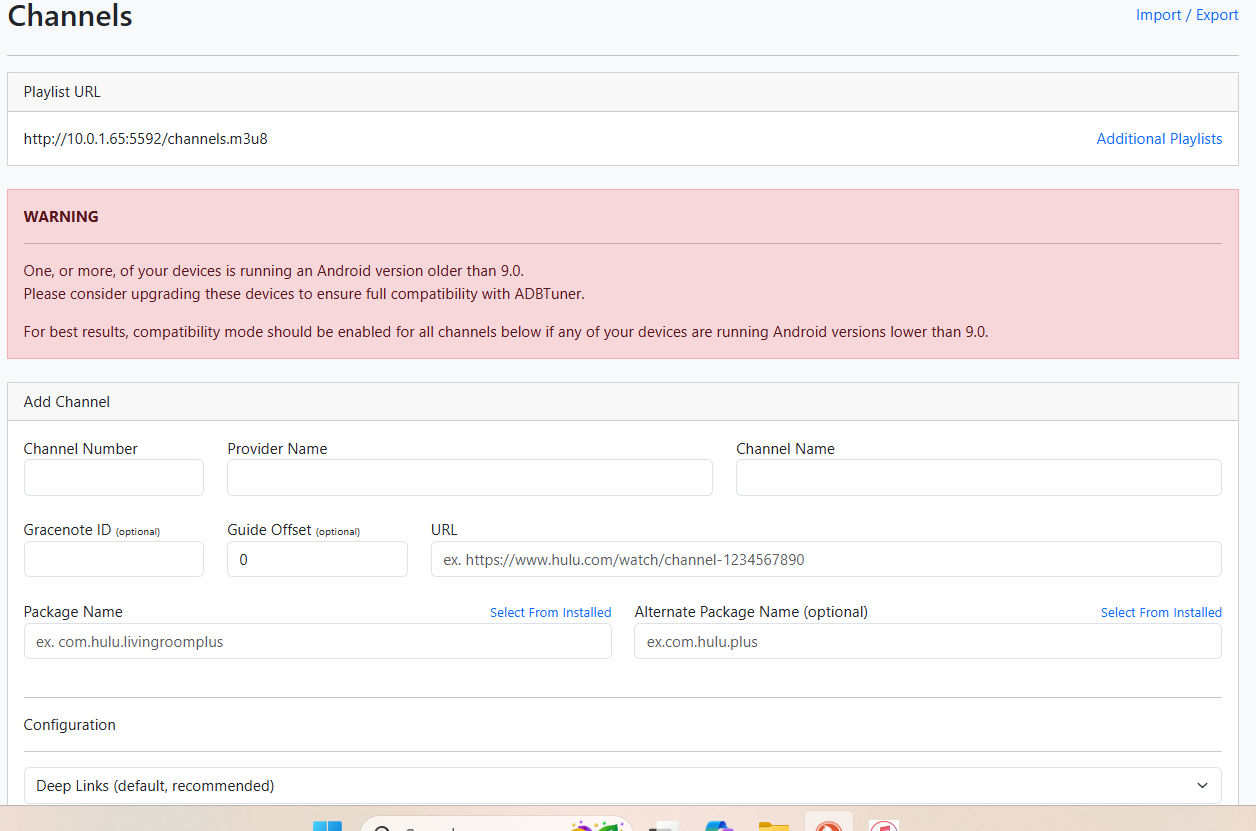
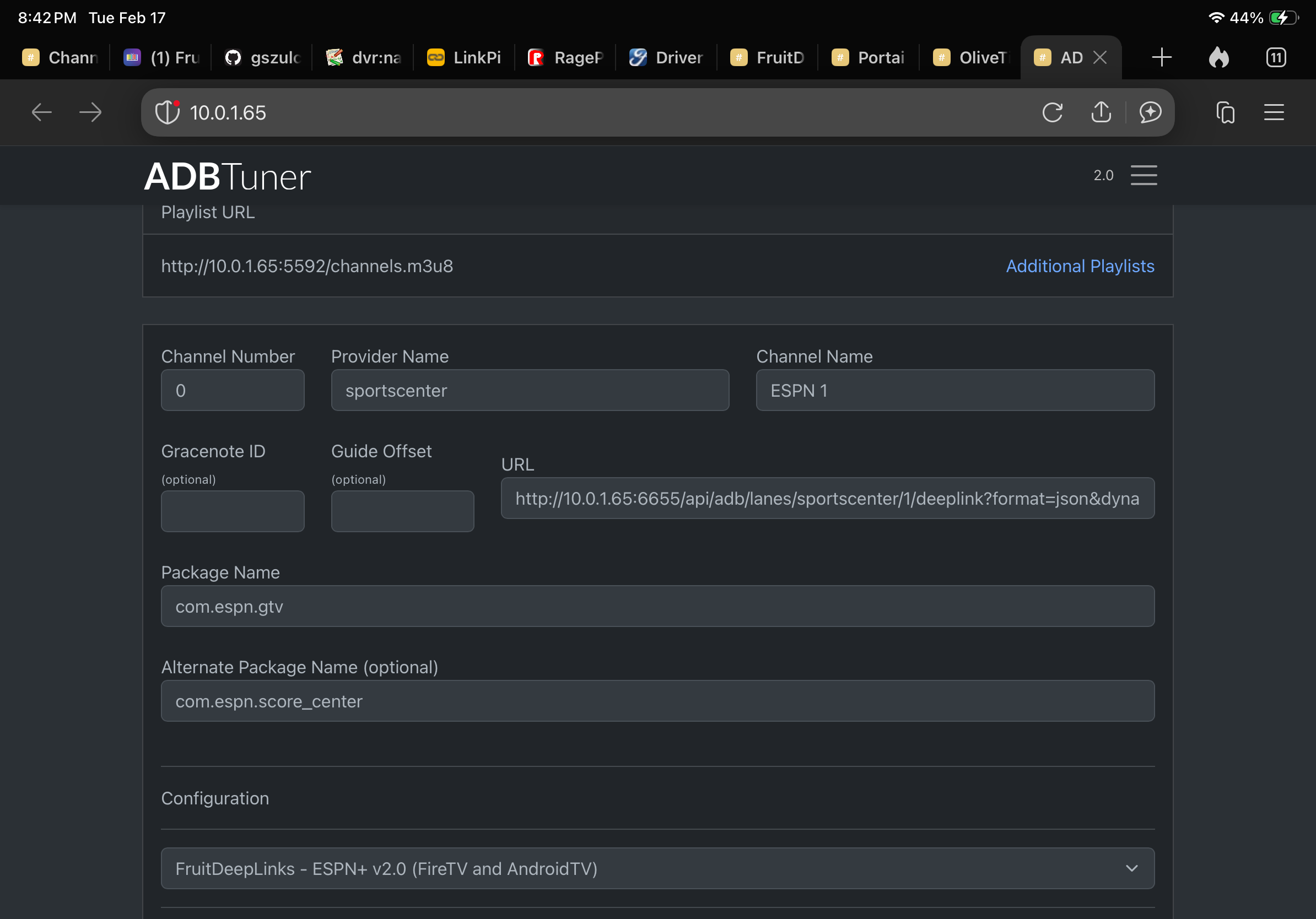
Go ahead and post a screenshot showing at least one of the virtual channels that were setup for you in ADBTuner, along with a screenshot showing your ADBTuner virtual tuners.
Also, let's see the CDVR Custom Config that was setup by Project One-Click -- and again, a screenshot is sufficient here.
An ADBTuner log snippet showing one failed tuning cycle would also be useful.
Throw in a matching failed tune log snippet from the CDVR logs as well please.
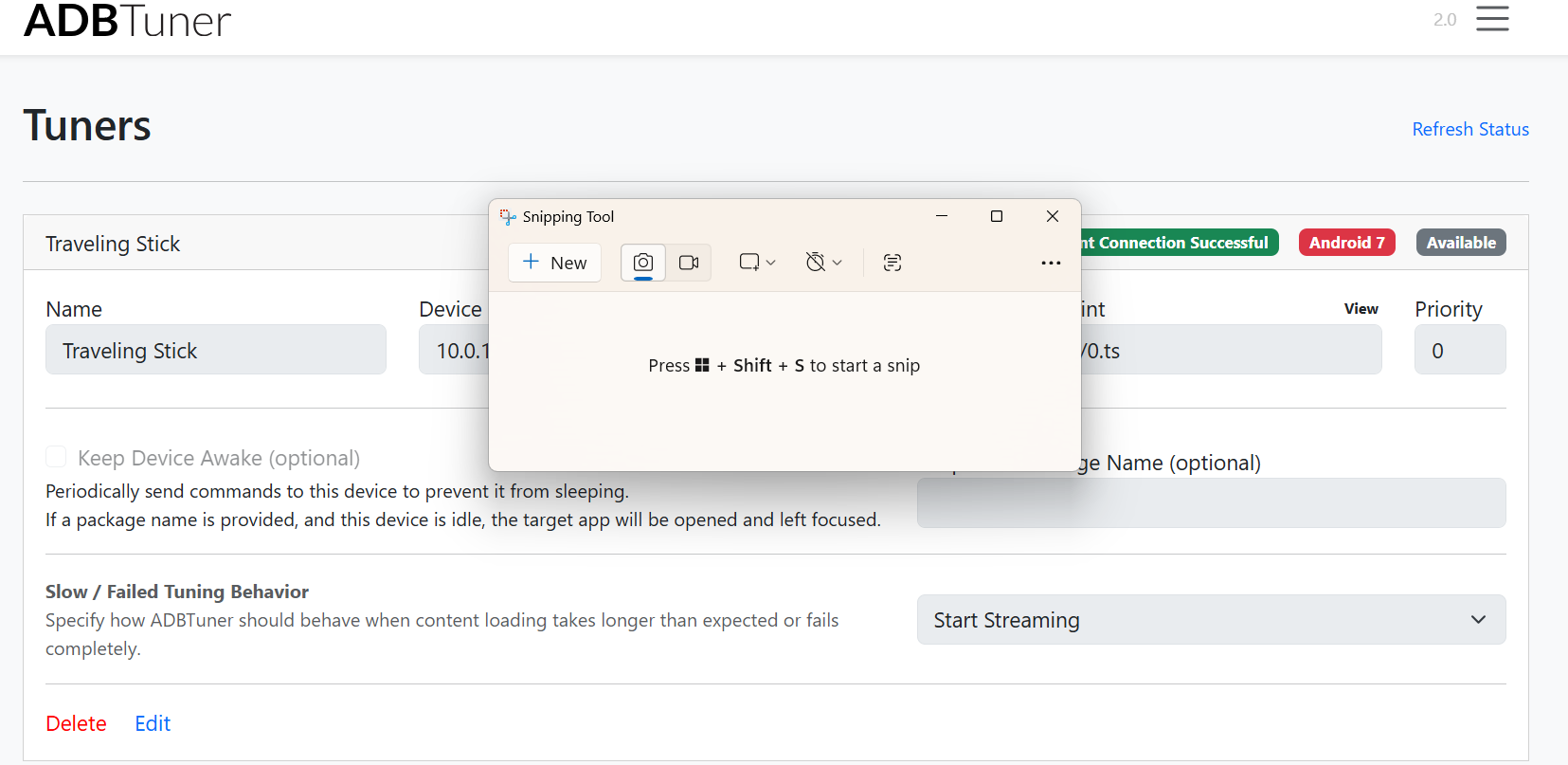
This is what I see on the ADB Tuner webui. I'm assuming this is where the virtual tuner would show
strong text
OK, so this problem #1, your streaming stick is not recognized (red rather than green color) and that means the virtual tuner (encoder + streaming stick) isn't available (blue rather than gray would indicate it's in use).
Fix these first -- and reach out in the ADBTuner thread to get this "square one" requirement sorted out. I wouldn't bother messing with a streaming stick that isn't based on Android 9 at a minimum.
Changing the stick out is the easiest thing for me. I'll change it out then post in the ADBTuner topic.
I redid the 2nd step and selected the FDL Config. This is the result. Progress.
Is 50 channels the most- I thought I selected more.
To increase channels:
Export
Edit
Import
That looks promising as well. How about the CDVR Custom Channels Source?
I forgot to screen shot before I deleted it. For some reason, I thought it was incorrect .ill recreate it.
No, just re-do the Project One-Click Action, and be sure to select FRUIT_REMOVE for the provider you want to re-do.