
I did use that in terminal and nothing happened
Go to google.
Search for how to install homebrew.
Follow directions on screen.
Then open terminal and do what @Jean0987654321 said to do
3 Likes
Thank you for the help. I have prismcast loaded on my computer and in channels M3U. All channels appear in guide but I get this error message when trying to open a channel
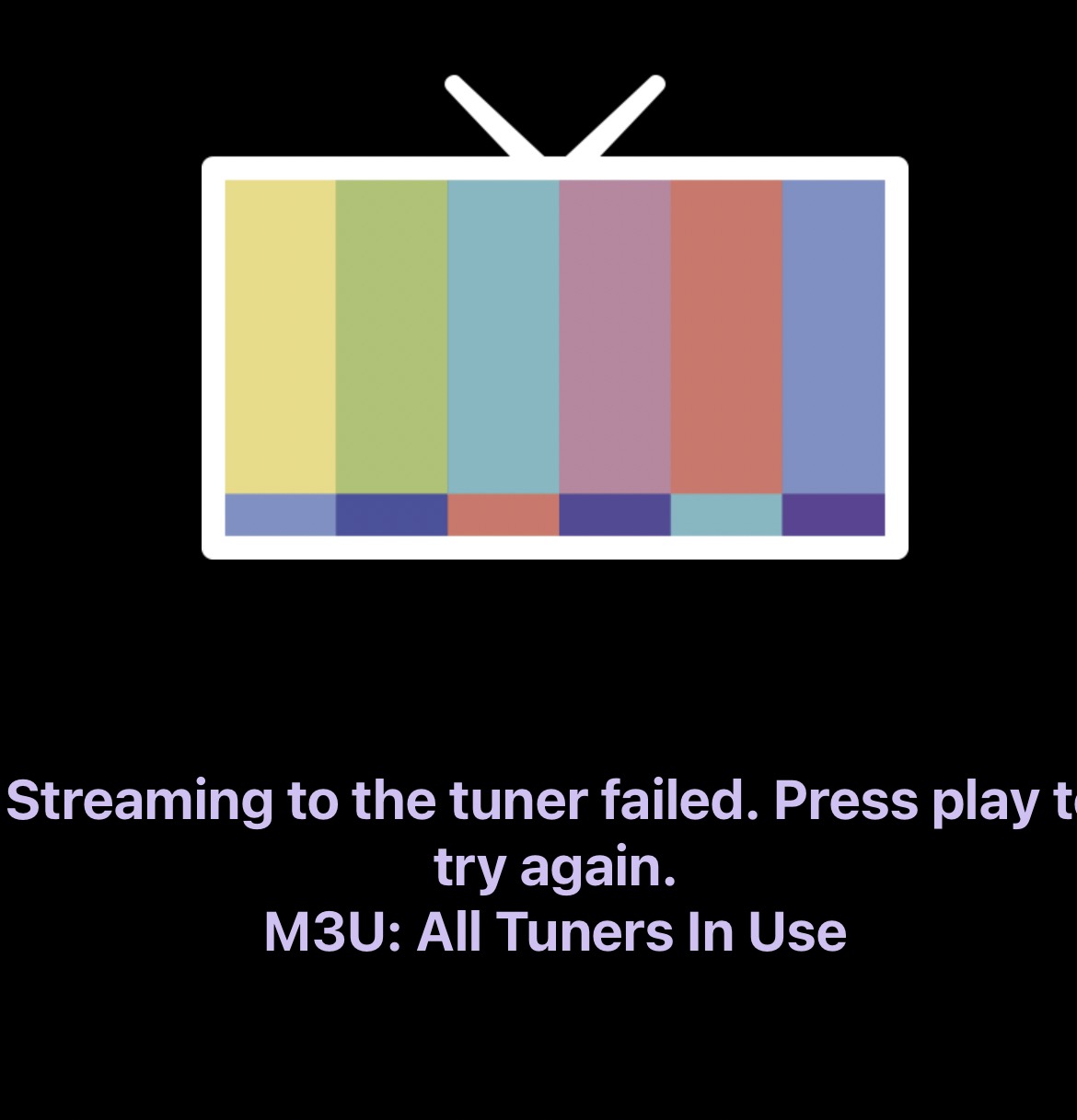
With DTV's single stream limitation in a browser, you have to wait until a stream is released before you can tune to another channel (this takes a bit).
Candidly, one of the other solutions I mentioned before is a more realistic approach. ah4c, ch4c or ADBTuner will all allow multiple tuners. This is significantly better both for recording or channel surfing (not super fast but workable).
1 Like
So I switched to spectrum tv log in and deleted DIRECTV from channels and I’m still getting error message network not supported
Network not supported and All Tuners In Use are 2 different issues.
I don't use Macs so not sure I'm able to help. I will say when trouble shooting in my Linux server, I would VNC into the box to see what was happening in the Google Chrome window when I tried to tune a channel. Is there a way for you to monitor the Google Chrome tab when trying to launch a channel?
And sorry if you said this already, have you logged into the channels through Prismcast's sign in button?
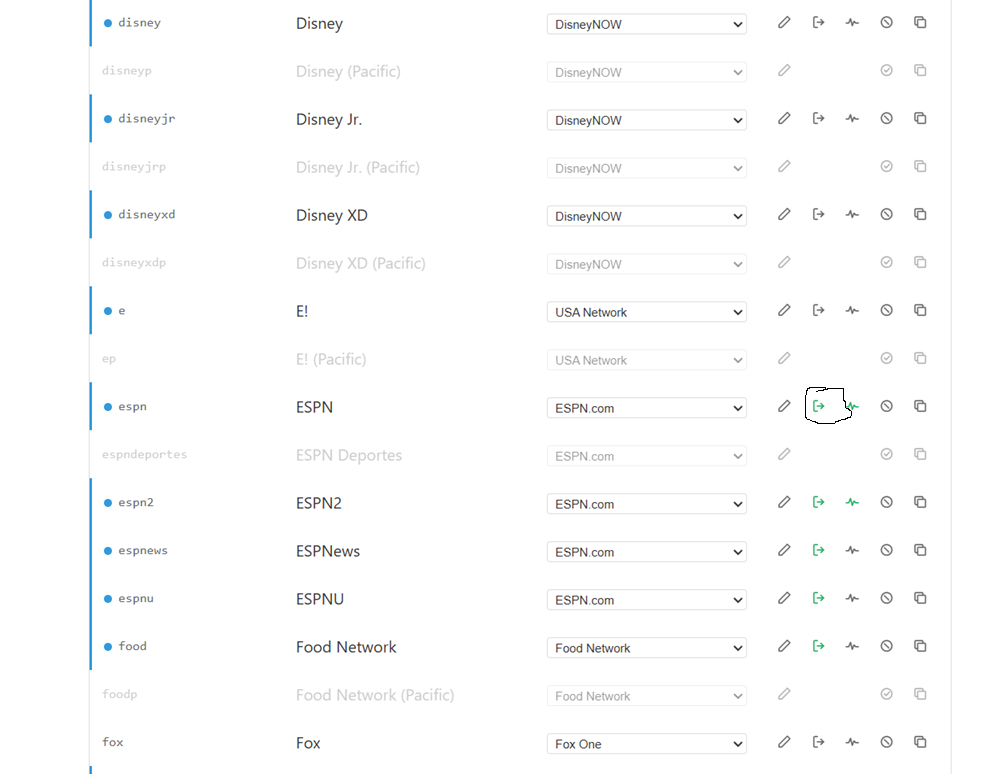
Blank screen pops up on my desktop. I have not logged into channels trough prismcast sign in button...where would I do that?
Sounds like a configuration problem. Unfortunately I use Linux/Portainer to configure PrismCast and I have no knowledge of Mac/Node. Hopefully others can weigh in with more meaningful suggestions.
1 Like
The CNN failure sent me looking for a solution I didn't know existed. I was up and running in about 10 minutes. Well done and a polished interface.
I could only get it to work thru YTTV and not directly to CNN as the app would never authenticate even though I could in Safari.
Any chance of getting this to work with a Peacock login?
That's weird, I get them from CNN's website directly. You have to bring up the browser instance that prismcast is using and authenticate from there and you should be good.
Prismcast has video detect logic and will refresh the page to get the stream back after NBC times out in 4 hours. Same thing for any other random stall.
That one feature alone makes it superior to cc4c. But the biggest issue with it is that authentication will routinely fail on a variety of websites because you have to link your provider again. If you don't have test recordings everyday to figure this out, eventually some recordings will get missed. It's not a prismcast issue but it is something that channels handles natively with TVE.
ESPN is one of the regular culprits for me. This would be a great feature for one of our great devs here to add, some kind of website stream monitor that would email you when a stream fails, like on a daily basis. It's not a big deal to reauthenticate manually but you never know when it's going to happen.
Let's just say I've seen something that makes me believe this issue could be fully mitigated in the not too distant future... 
Auto reauthenticate like channels does? That would be awesome.
As @GTFan mentioned, I was able to get it to stream from cnn.com by using the login/authenticate button in the interface and my YTTV credentials, similar to Introducing PrismCast: Browser-based Live TV Capture for Channels DVR and Plex - #1573 by jator. I just played with it a little bit and it seemed to work okay on the old M1 Mac Mini that I had lying around. Seemed like it was struggling in the transcoding a bit.
Definitely a slick app that's easy to set up and connect to Channels DVR!
Is it worthwhile setting up PrismCast if I only have one streaming service that may provide live channels (Paramount Premium), I have Disney with Hulu, but don’t believe that plan will provide me the live channels. I already get CBS from my OTA setup.
1 Like
@JCyea I'm relatively new to PrismCast, so maybe others will correct me, but here's my take...
I think all PrismCast by itself is going to get you with your Paramount+ subscription is access to the live Showtime East and West feeds. However, in combination with FruitDeepLinks, you may be able to access live sports on Paramount+ like UFC, Golf, Football, etc. via PrismCast.
EPlusTV is also an option to get some of the Paramount+ sports content delivered to your Channels DVR. I know it has had their UFC events recently, but I don't think it has everything. EPlusTV has the advantage (IMO) of just grabbing a direct stream vs PrismCast navigating and capturing through the browser. But it's possible that more of Paramount+'s live events show up in the guide using FruitDeepLinks+Prismcast vs EPlusTV.
Thanks, didn’t think there was much there with Paramount, didn’t realize I could add Showtime feeds though.
For those running PrismCast on macOS: has anyone been able to get CNN above a 576p stream? Even after increasing my monitor resolution to 4K, I only see "avc-sdr-576p-30fps-2500kbps-******.mp4" files in Chrome's network traffic. Meanwhile, I can get a 720p/60fps stream to load in a Safari window of the same size.

Yes, forgot to specify. CNN.com. I’m aware the OTT sites are more consistent, although Sling maxes out at 720p/30fps for CNN.