
I added it to my compose file:
services:
prismcast:
image: ghcr.io/hjdhjd/prismcast:${TAG:-latest}
container_name: prismcast
hostname: prismcast
dns_search: ${DOMAIN:-localdomain}
shm_size: '1gb'
ports:
- ${HOST_PORT:-5589}:5589
- ${HOST_VNC_PORT:-5900}:5900
- ${HOST_NOVNC_PORT:-6080}:6080
- ${HOST_HDHR_PORT:-5004}:5004
environment:
- DISPLAY_NUM=${DISPLAY_NUM:-99}
- SCREEN_WIDTH=${SCREEN_WIDTH:-1920}
- SCREEN_HEIGHT=${SCREEN_HEIGHT:-1080}
- SCREEN_DEPTH=${SCREEN_DEPTH:-24}
- TZ=America/New_York
healthcheck:
test: ["CMD", "wget", "-q", "--spider", "http://localhost:5589/health"]
interval: 30s
timeout: 10s
retries: 3
start_period: 30s
volumes:
- /mnt/user/appdata/prismcast:/root/.prismcast
devices:
- "/dev/dri:/dev/dri"
restart: unless-stopped
Thanks, I figured it was docker specific, don't think that's an option for running native on Windows.
Pretty much the same as doing it with cc4c.
PrismCast custom channel:
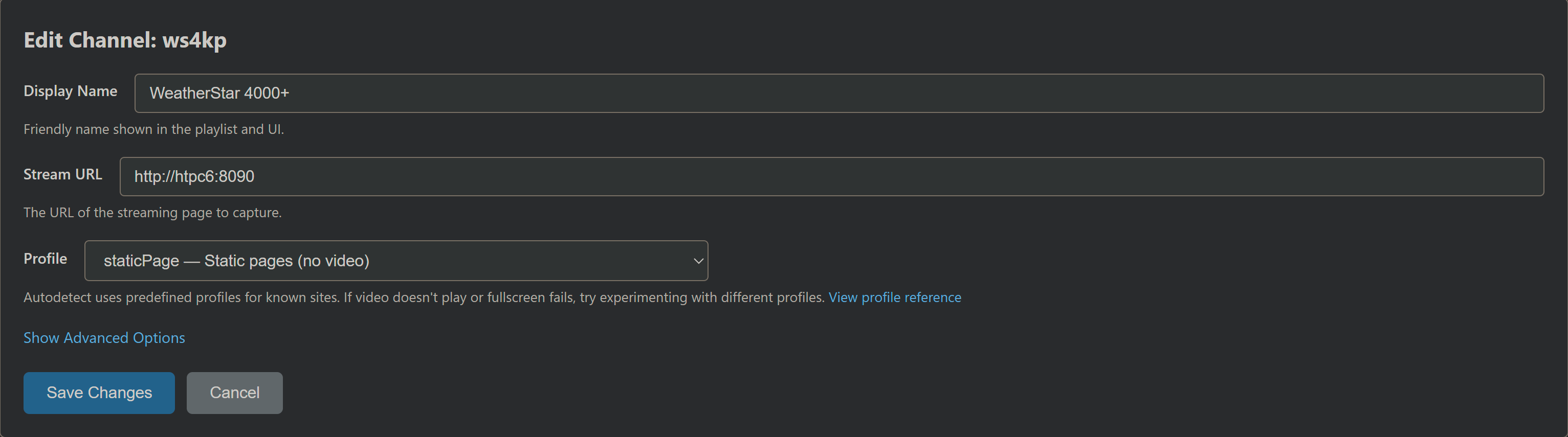
Then the "login" step is basically just to tell ws4kp where you are:
- Goto PrismCast's Chrome
- Open a new tab
- Navigate to your local ws4kp URL
- Remove the
&settings-kiosk-checkbox=truefrom the redirect URL to expose settings - Set your location, music or whatever
From that point, whenever you stream that channel, it'll show the weather for the location you set.
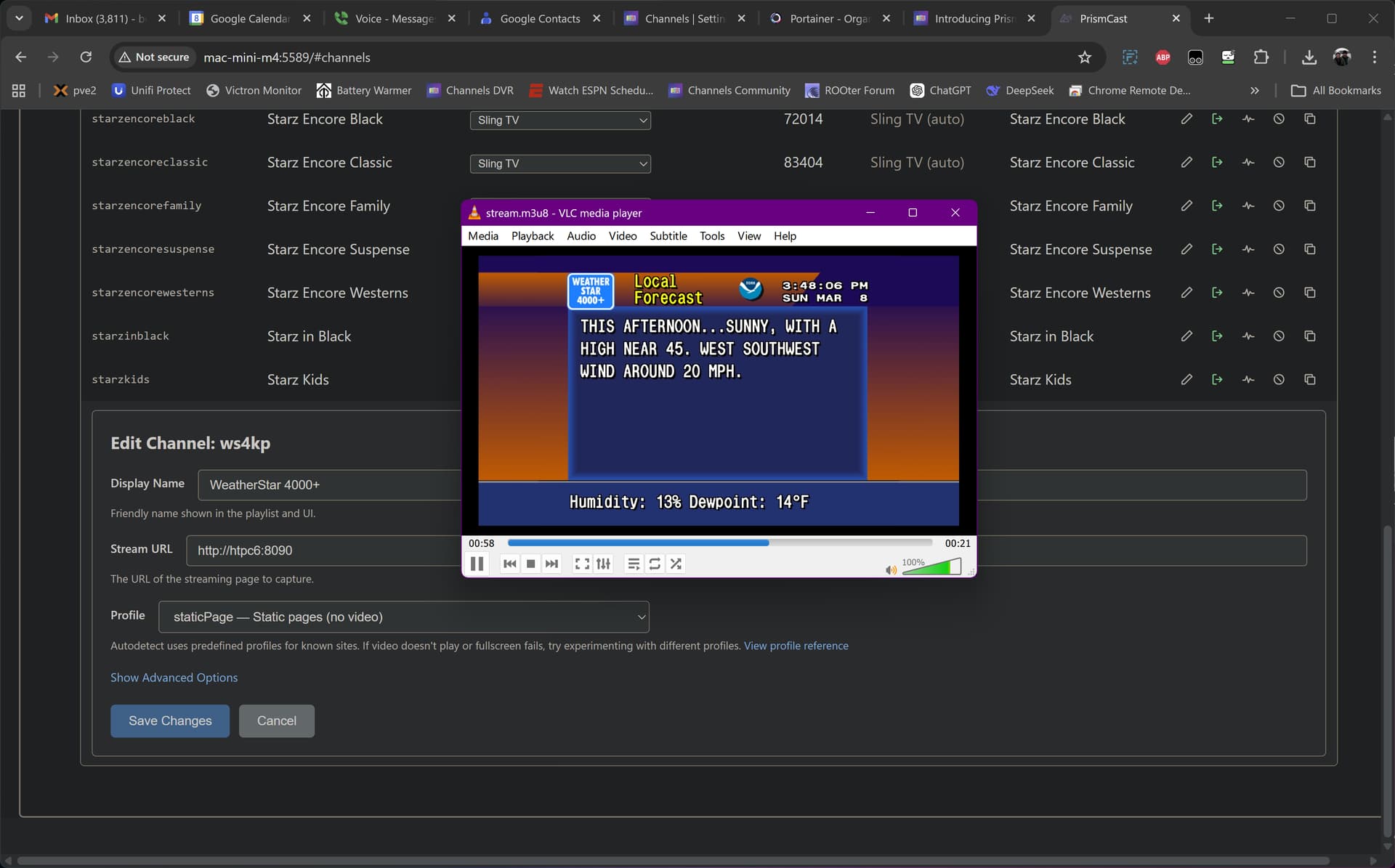
Moments after setting it up  :
:
Just in case you didn't use Project One-Click to set up your ws4kp stack, it should look like this:
services:
  weatherstar4k:
    # 2025.09.06
    # GitHub home for this project with setup instructions: https://github.com/netbymatt/ws4kp
    # Docker container home for this project: https://ghcr.io/netbymatt/ws4kp
    image: ghcr.io/netbymatt/ws4kp:${TAG}
    container_name: weatherstar4k
    hostname: weatherstar4k
    ports:
      - ${HOST_PORT}:8080
    environment:
      - WSQS_settings-wide-checkbox=${WIDE:-true}
      - WSQS_settings-kiosk-checkbox=${KIOSK:-true}
      - TZ=${TZ}
    restart: unless-stopped
Sample env var overrides:
TAG=latest
HOST_PORT=8090
TZ=US/Mountain
just saying thanks in advance as we know this was clearly labeled as MAC 1st etc etc...so the fact you are taking a shot at fixing up us windows users gets u a much deserved thankyou
I for 1 prefer the running native mode as Ive seen a definite bump in overall smoothness etc vs Docker also updates are easier in my limited dock experience.
Added this and it appears in PrismCast as added. I can hit the authenticate icon and it launches in Chrome as expected. It doesn’t show up as a channel in CDVR. I added Wearherscan and it worked as expected. Otherwise PrismCast rocks!
Agree, very happy that Windows changes are being supported. I think this is a great product and I applaud the developer for supporting this.
@hjd awesome work! I DM'd you about using my Xfinity login if you'd like to setup that provider.
@dravenst love the work you're doing on CH4C. I wonder if there is a way to integrate some of what PrismCast seems to handle very nicely - Chrome gymnastics, login handling, and channel management UI.
Or alternatively, PrismCast could integrate a "External Encoder" flag. That would basically mean having PrismCast do all its Chrome navigation magic but returning the URL of a connected LinkPi encoder stream instead of the local HLS. And leaving the Chrome browser full screen and visible, instead of minimizing.
Did some digging. If left in automatic, it appears in Channels but throws a transcoder error and won’t play. If you edit to “static” it plays until the channel disappears from PrismCast and Channels. It will stay in Channels for several hours after doing the edit.
Hope this is helpful.
@dravenst love the work you're doing on CH4C . I wonder if there is a way to integrate some of what PrismCast seems to handle very nicely - Chrome gymnastics, login handling, and channel management UI.
Thanks @Parkside, interesting ideas. In CH4C, I recently added a login manager, UI for managing channels, and more instant recording capabilities. Your original idea to use the external encoder for this was great and I'm still able to run both CH4C and Channels DVR together on a low power Celeron PC.
I haven't had a chance to try PrismCast yet, but it looks impressive!
Has anyone tried a software-based display driver emulator, like this Virtual-Display-Driver to get higher PrismCast resolution?
Not necessarily for Prismcast, I started using VDD for CC4C on a 12th gen i5 without a monitor plugged in. It's currently set at 2560 x 1440, 120Hz.
Edit: Forgot to add that Prismcast doesn't seem to recognize it, so I can't raise the quality preset beyond 720p High.
For those who want to use WeatherStar 4000+ (aka ws4kp) via PrismCast, and also have it show up in your CDVR EPG, follow these steps first:
And then create a new CDVR Custom Channels source that looks like this:
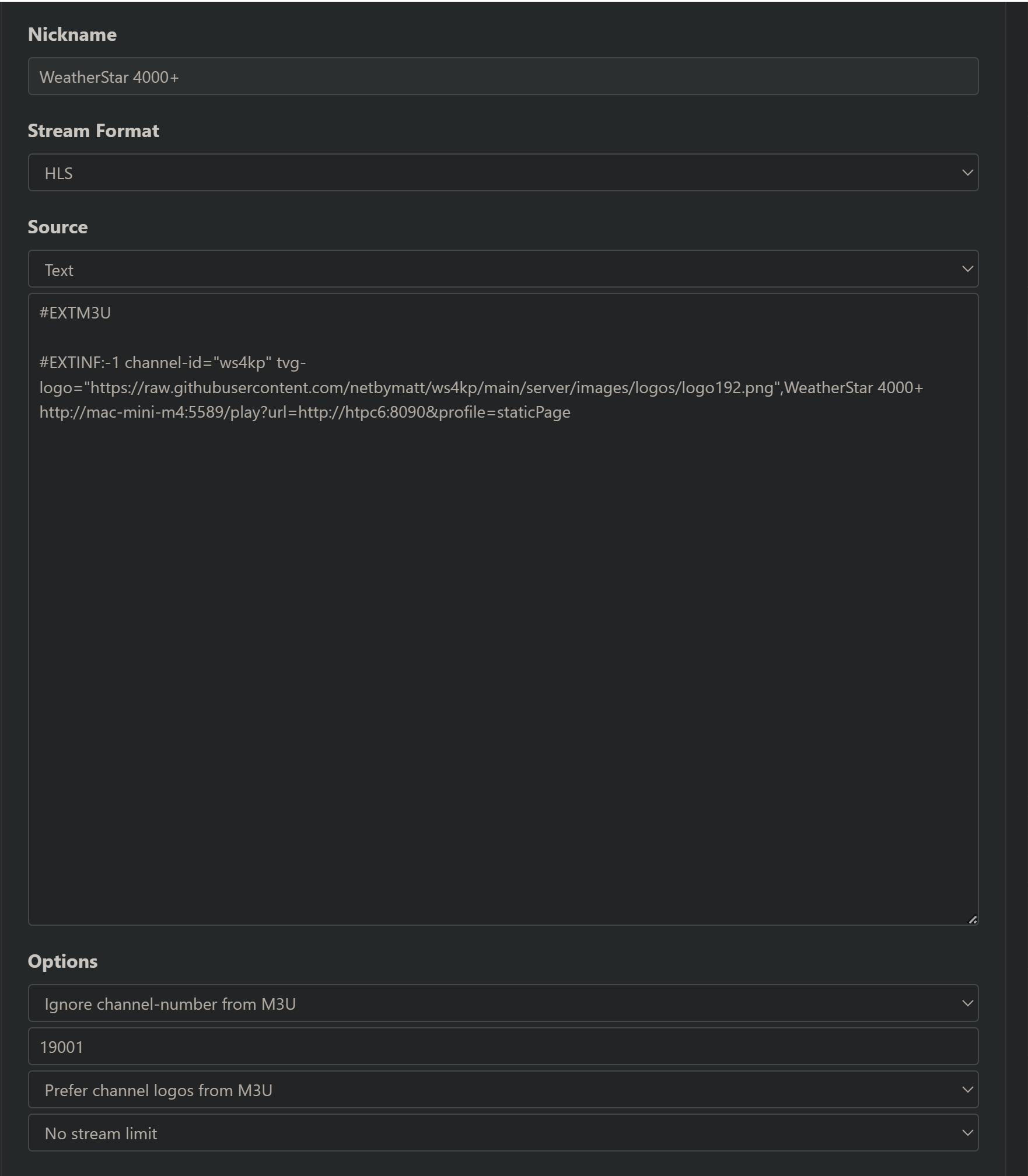
Here's the text-based M3U part:
#EXTM3U

#EXTINF:-1 channel-id="ws4kp" tvg-logo="https://raw.githubusercontent.com/netbymatt/ws4kp/main/server/images/logos/logo192.png",WeatherStar 4000+
http://mac-mini-m4:5589/play?url=http://htpc6:8090&profile=staticPage
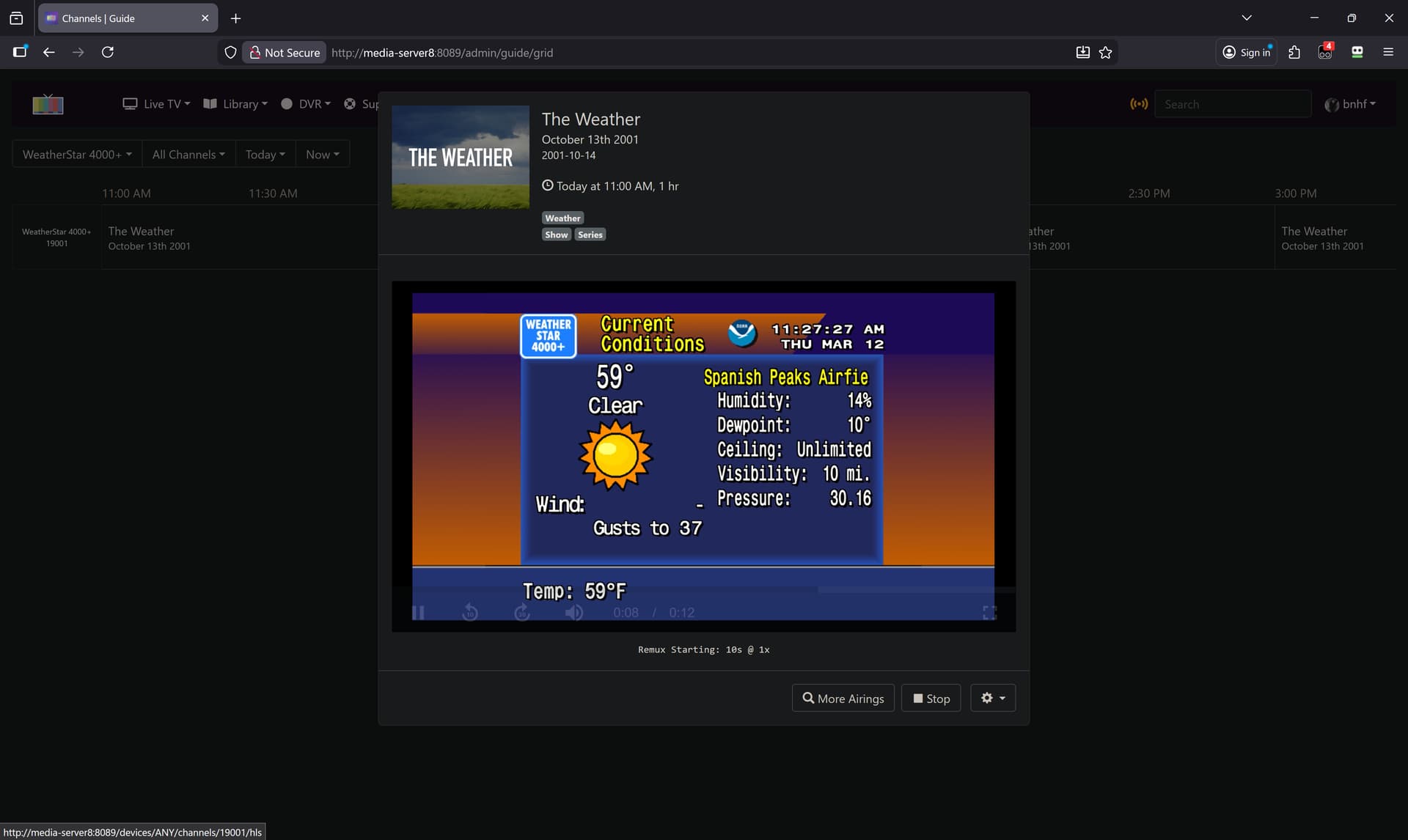
Substitute your particular resolvable hostnames or LAN IP addresses of course, and note that I have ws4kp running on port 8090 rather than the default 8080:
Does anybody have a fix for this issue? Prismcast works great in my docker set up, but the browser shrinks to an unusable state:
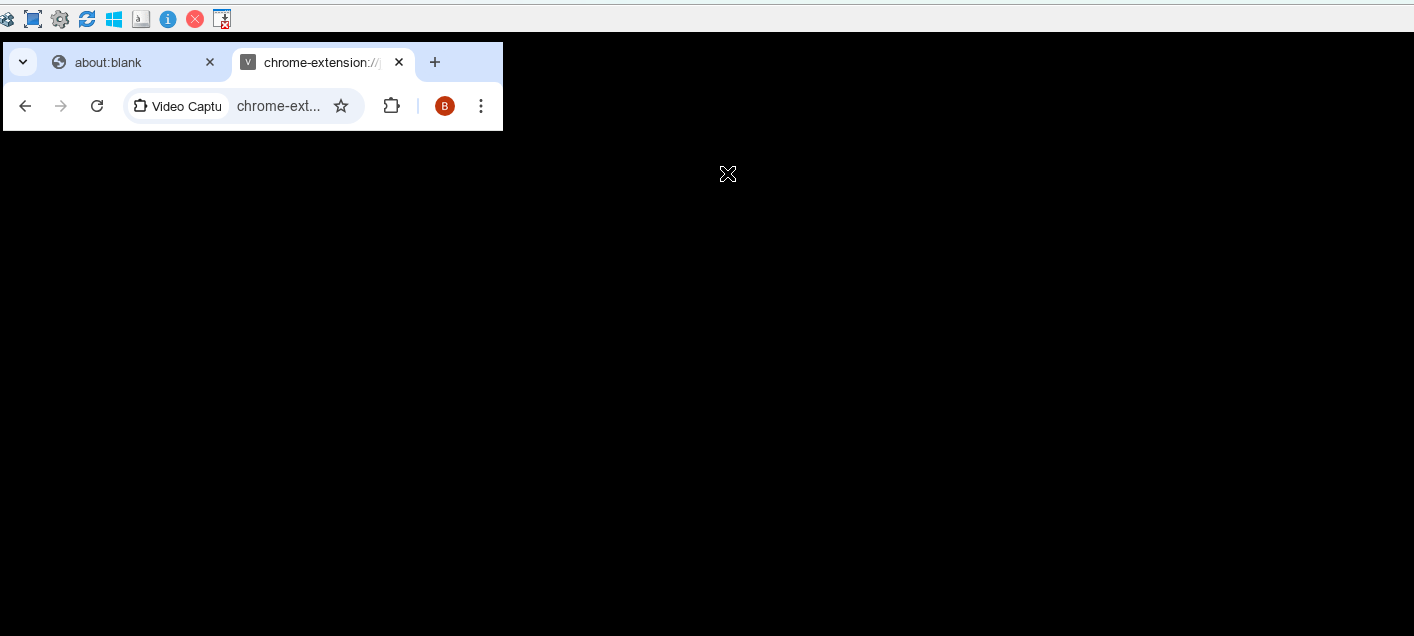
If I restart the container, it goes back to normal.
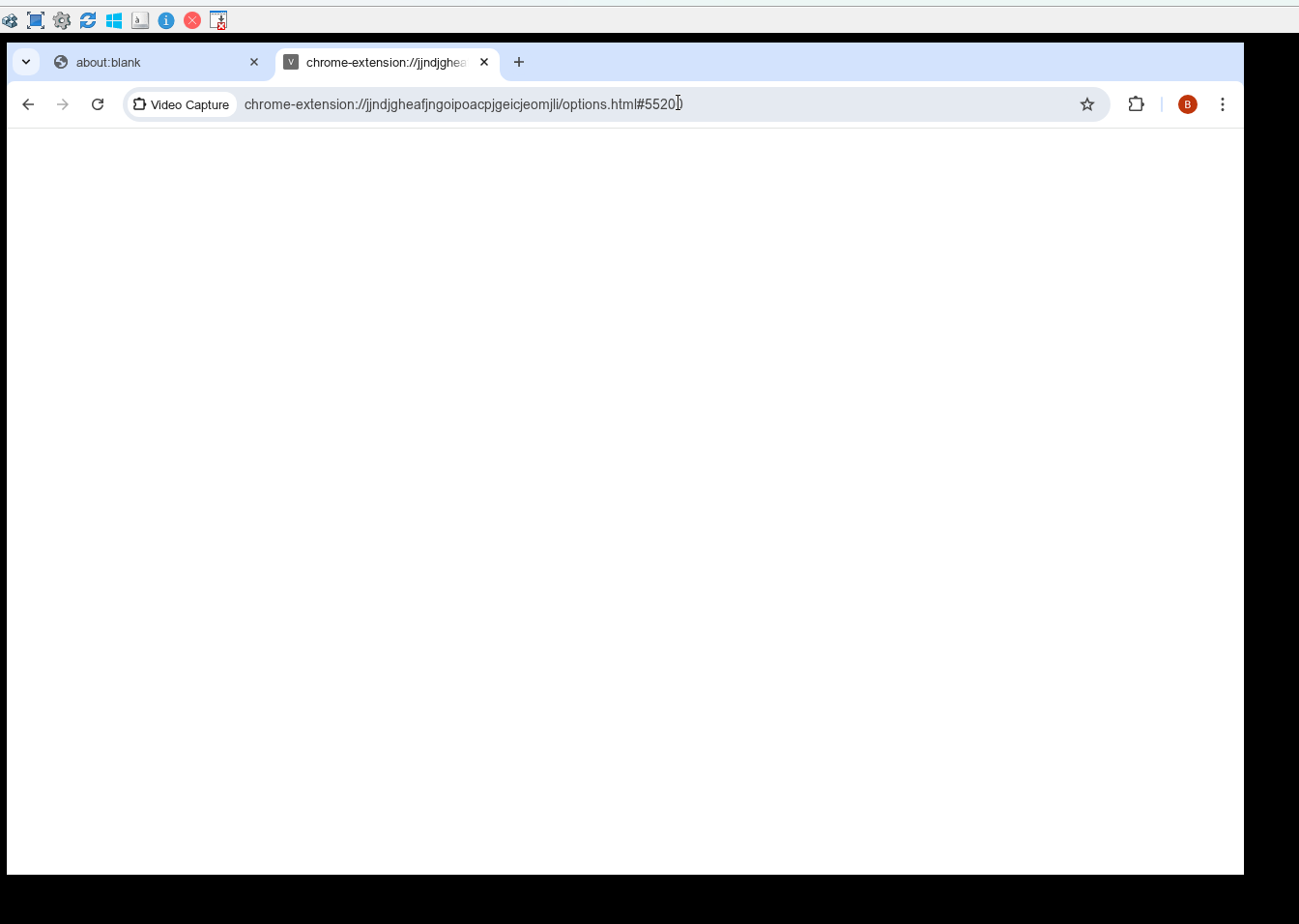
But I never know when it is going to revert to an unusable state. I am using the docker version on a windows mini PC
What are you using as a VNC viewer? Does it do the same with noVNC on port 6080?
That’s the ticket! Thanks!
Thanks for your response. Maybe it's my set up.
192.168.1.227:5590 is how I view using UltraVNC
For installation to avoid possible conflicts I installed as follows:
-p 5590:5589 -p 5901:5900
-p 6081:6080 `
-p 5005:5004
Non docker results
5005 shows cannot/get
5590 shows me the configuration, looks normal
5901 shows nothing
6081 shows directory listing, looks normal
What seems to help is a delay in launching the chrome browser inside the container. Every time docker restarted due to an update or windows reboot, it gave me the odd chrome browser issue. I'd stop the container, restart, and it was fine. So added a delay task during Docker start up which seems to fix this (Delay in starting the browser inside the container) This morning, everything looked normal but I won't know for sure until I watch it for a few days. I also had this issue before 1.5.2.
My complete pull using powershell as an administrator on Windows:
docker run -d --name prismcast
--shm-size=4g `
-p 5590:5589 -p 5901:5900
-p 6081:6080 -p 5005:5004
-e SCREEN_WIDTH=1920 -e SCREEN_HEIGHT=1080
-e TZ=America/New_York -v prismcast-data:/root/.prismcast
--restart unless-stopped `
ghcr.io/hjdhjd/prismcast:1.5.2
My Fox local is no longer working, it was doing fine until the last couple of days but now it redirects to their streaming local channel (not live). Fox 35 in Orlando.
Do you see the same thing at the Fox One website when you link your provider there.
It always gets my zip code wrong (but close enough) but I get my local station.