
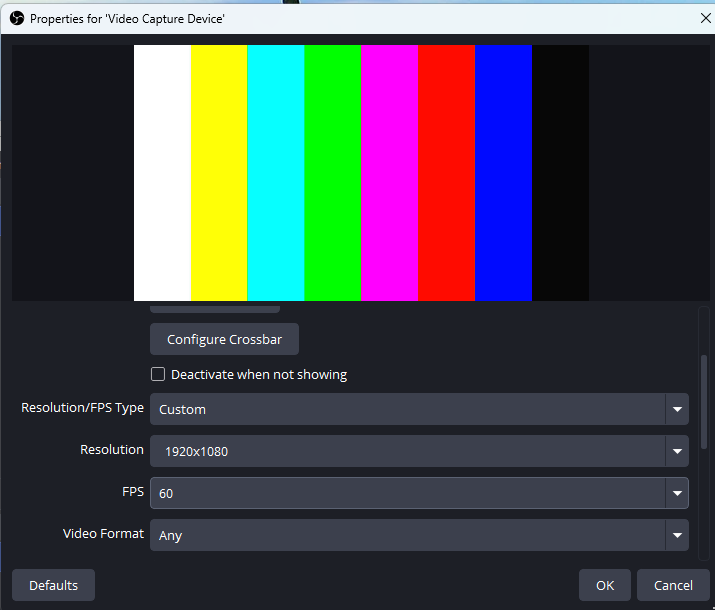
I found that by hooking your capture card up to your PC, you can check the available output resolutions and frame rates using OBS Studio. Connect the card, add the USB device as a source to the OBS interface, open the properties of the device, choose "custom" for your resolution and fps, and you can see all the available outputs from your device.
It turns out that my cheapo Vivitar device does indeed support 1080p @ 60hz.



 I was thinking more along the line of a hammer
 and wastebasket
 approach.
