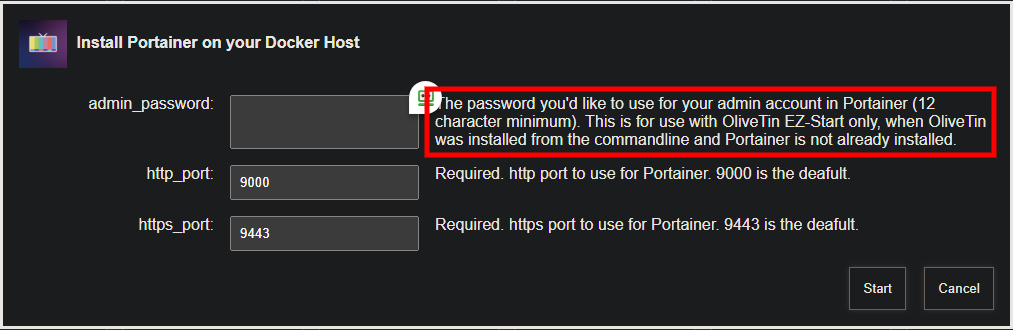
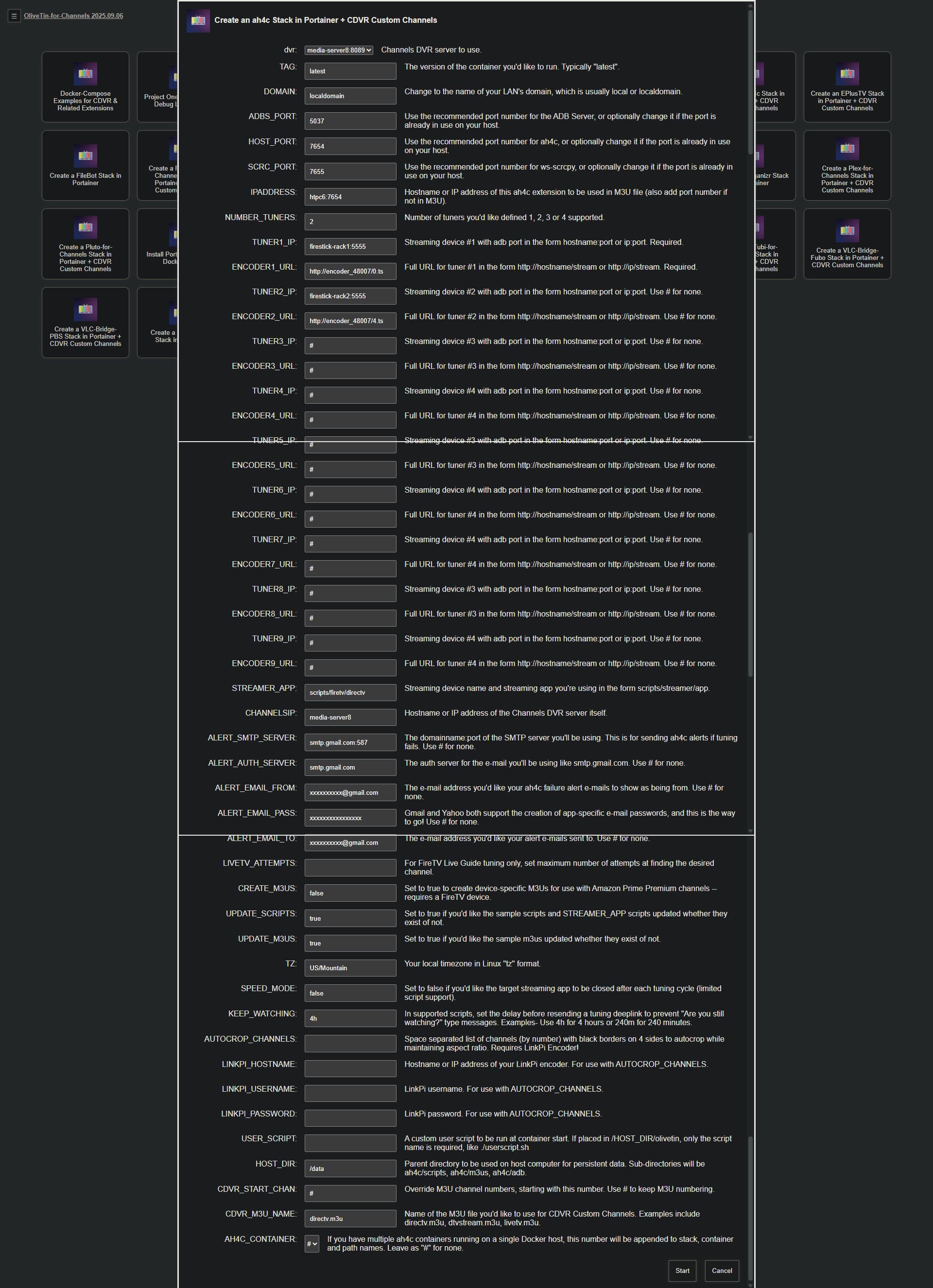
This is the part we want to get working first, though there's also a problem with the paths you're using.
Typically, when Portainer versions are reported, but not Environment ID numbers, that means there's a problem with your Portainer Token. I'd suggest going into Portainer, and under the dropdown in the upper-right corner for your Username, go into My Account and delete the existing olivetin token and create a new one. Store it in a safe place.
Stop your olivetin stack, and replace the old token with the new and click Update the stack. Rerun the healthcheck and hopefully you'll see ID #'s where there are none now.
Also, while you're at it, you might try replacing your current values for DVR_SHARE and LOGS_SHARE with the values suggested in the healthcheck. So, it'd be:
DVR_SHARE=/mnt/e/DVR
LOGS_SHARE=/mnt/c/ProgramData/ChannelsDVR
and let's see if that fixes the lack of access to those two directories. Windows can be a bit of a pain when it comes to this whole area of Linux vs Windows paths. But those paths should work on recent versions of Windows 11.
EDIT: Also, please confirm your Portainer environment is named local. People have, on rare occasions, changed that default name -- which is another reason this could be failing.